

What AniTime changes
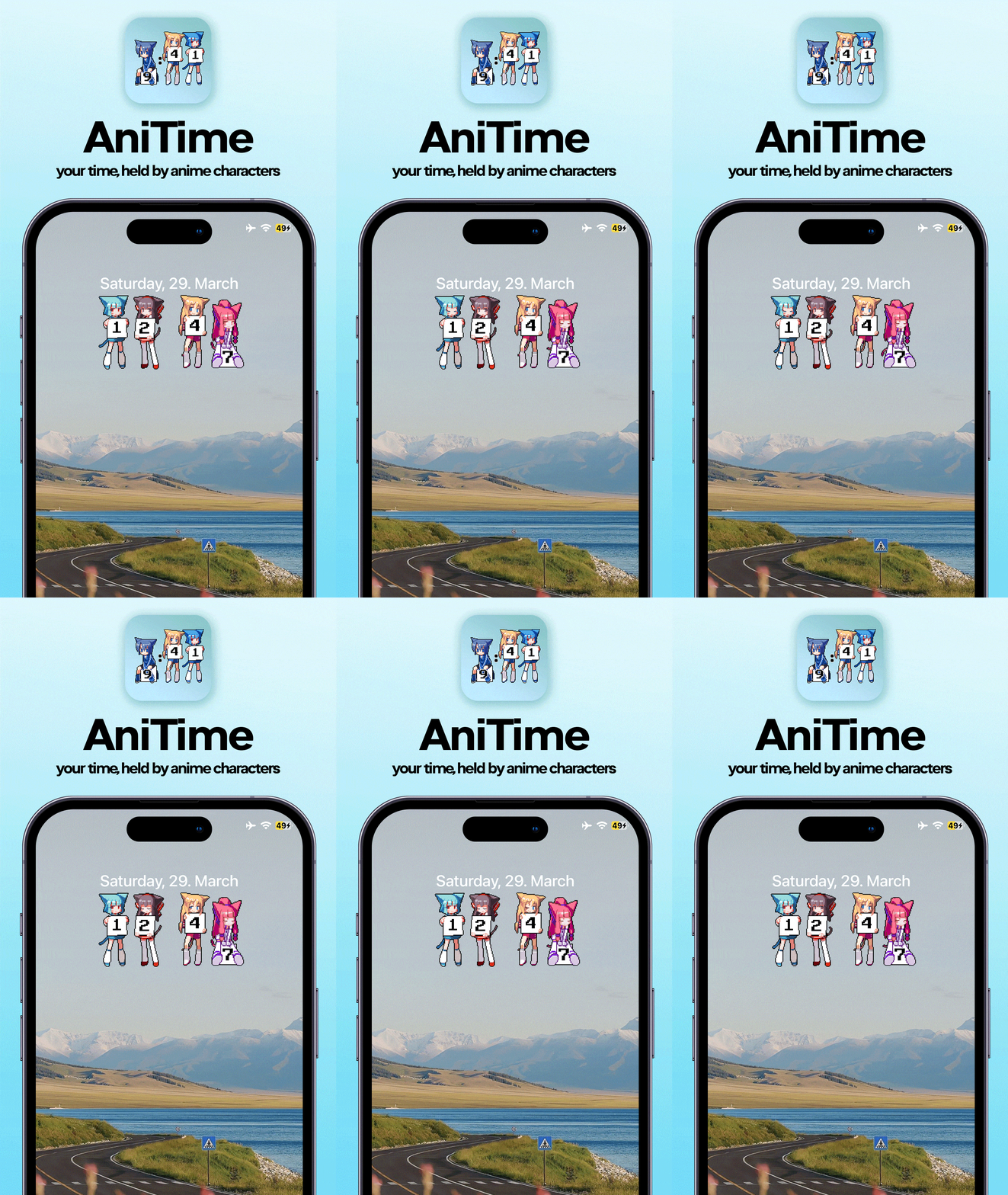
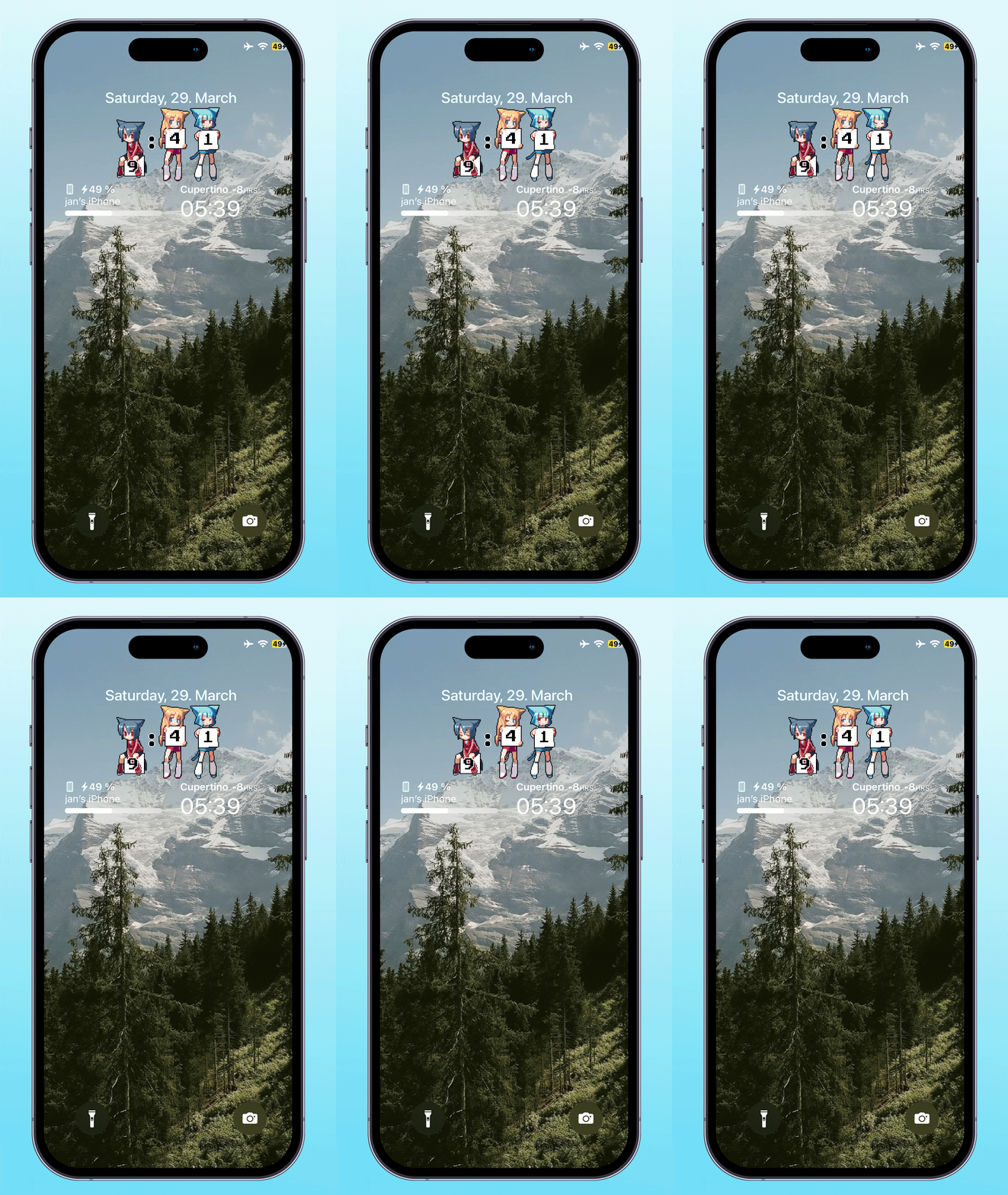
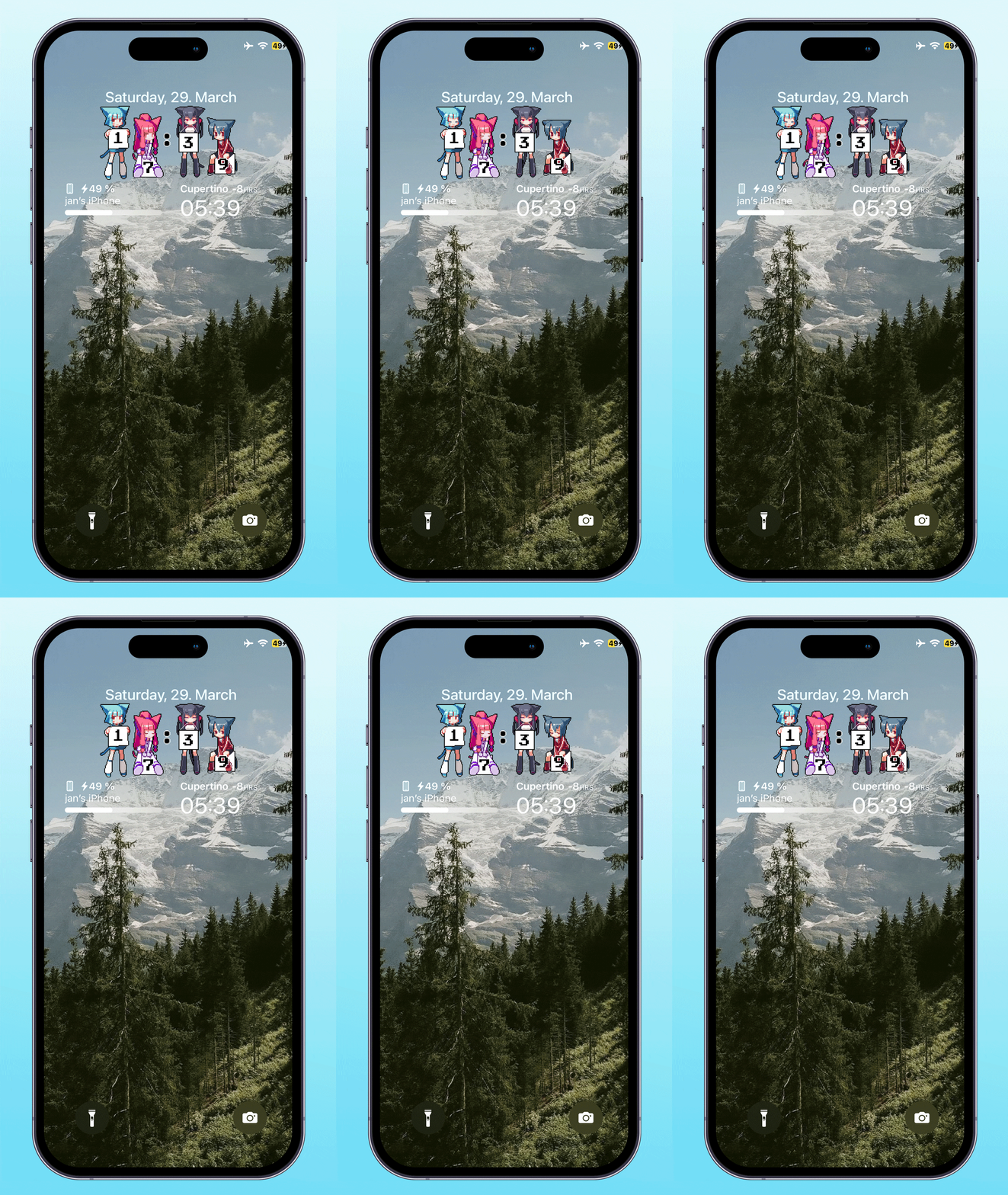
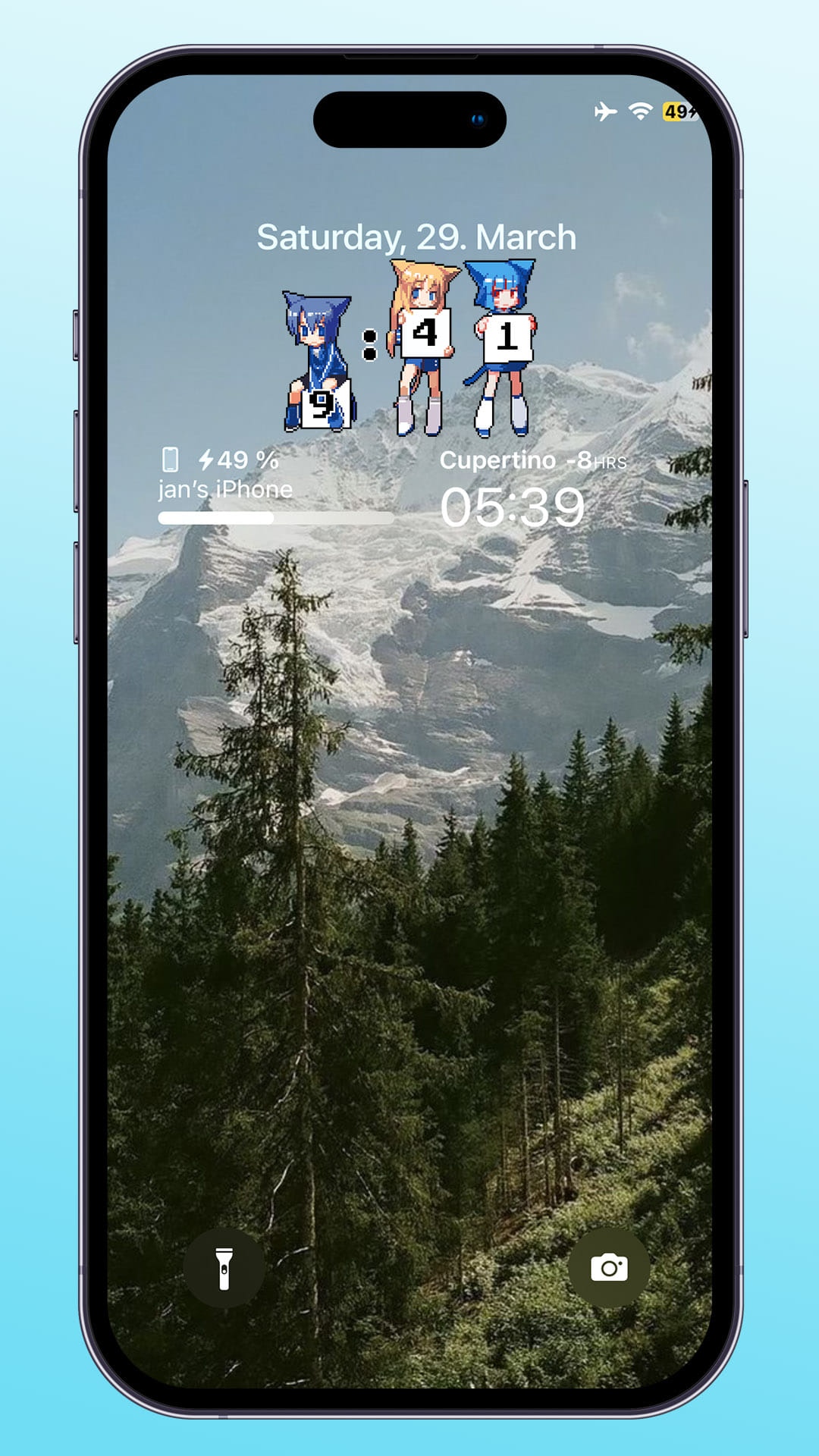
- Describes animated anime characters as clock digits.
- Identifies the package as AniTime, version 1.0.3.
- Provides iphoneos-arm and iphoneos-arm64 release variants.
- Lists com.ginsu.comet as a dependency.
- Is categorized as System & Utilities and placed in the Tweaks section.
See AniTime in action
These are real feature images from the credited package or developer listing, not generated phone mockups.
Compatibility and requirements
The metadata lists iphoneos-arm and iphoneos-arm64 architectures, firmware (>= 14.0), and com.ginsu.comet as a dependency. It does not explicitly label the firmware value as an iOS version or confirm support for particular devices, operating-system releases, installation environments, or dependency configurations. Check the architecture, the meaning of the firmware requirement, and dependency availability on the linked source page before proceeding.
Installation checklist
- Open the linked source page and locate AniTime version 1.0.3.
- Compare the package name, identifier com.yan.anitime, version, and architecture with the details shown in your installation tool.
- Check whether your device and installation environment correspond to one of the listed architectures: iphoneos-arm or iphoneos-arm64.
- Review the listed dependency, com.ginsu.comet, and confirm that a compatible version is available for your setup before proceeding.
- Read the requirement firmware (>= 14.0) exactly as listed and verify how it applies to your device and installation environment.
- Review the package transaction details before proceeding. Do not assume that a package manager can resolve or install the dependency automatically.
- Proceed only if the package identity, architecture, requirement information, and dependency availability match your setup.
- After installation, follow any post-install action requested by your installation environment, if applicable, and inspect the clock display for the described clock-digit feature.
What to know before installing
- The supplied metadata does not confirm a specific iOS version range, device list, installation environment, or stability level. Verify these details before proceeding.
- Confirm that com.ginsu.comet is available and compatible with your setup; the metadata does not guarantee dependency resolution or installation.
- The package carries the catalog tag cydia::commercial. Review the current terms and transaction information on the linked source page.
- Do not proceed if the architecture, firmware requirement, package identity, or dependency information is unclear or does not match your setup.
Frequently asked questions
What is AniTime 1.0.3?
AniTime is the package name for version 1.0.3 of package com.yan.anitime. Its supplied description says it displays animated anime characters as clock digits.
Which architectures are listed?
The release lists iphoneos-arm and iphoneos-arm64 variants. Confirm which listed architecture corresponds to your device and installation environment before proceeding.
Does the metadata confirm support for a particular iOS version?
No. The dependency data lists firmware (>= 14.0), but the supplied facts do not literally label that value as an iOS version or confirm support for particular operating-system releases.
What dependency does AniTime list?
AniTime lists com.ginsu.comet as a dependency. Its availability and compatibility must be checked for your setup.
Is AniTime free?
The supplied metadata includes the tag cydia::commercial, but it does not provide pricing or licensing details. Check the current transaction and terms on the linked source page.
Package identifier: com.yan.anitime · Published 2026-08-27 · Source details checked against the linked package listing.