The compatibility detail that matters
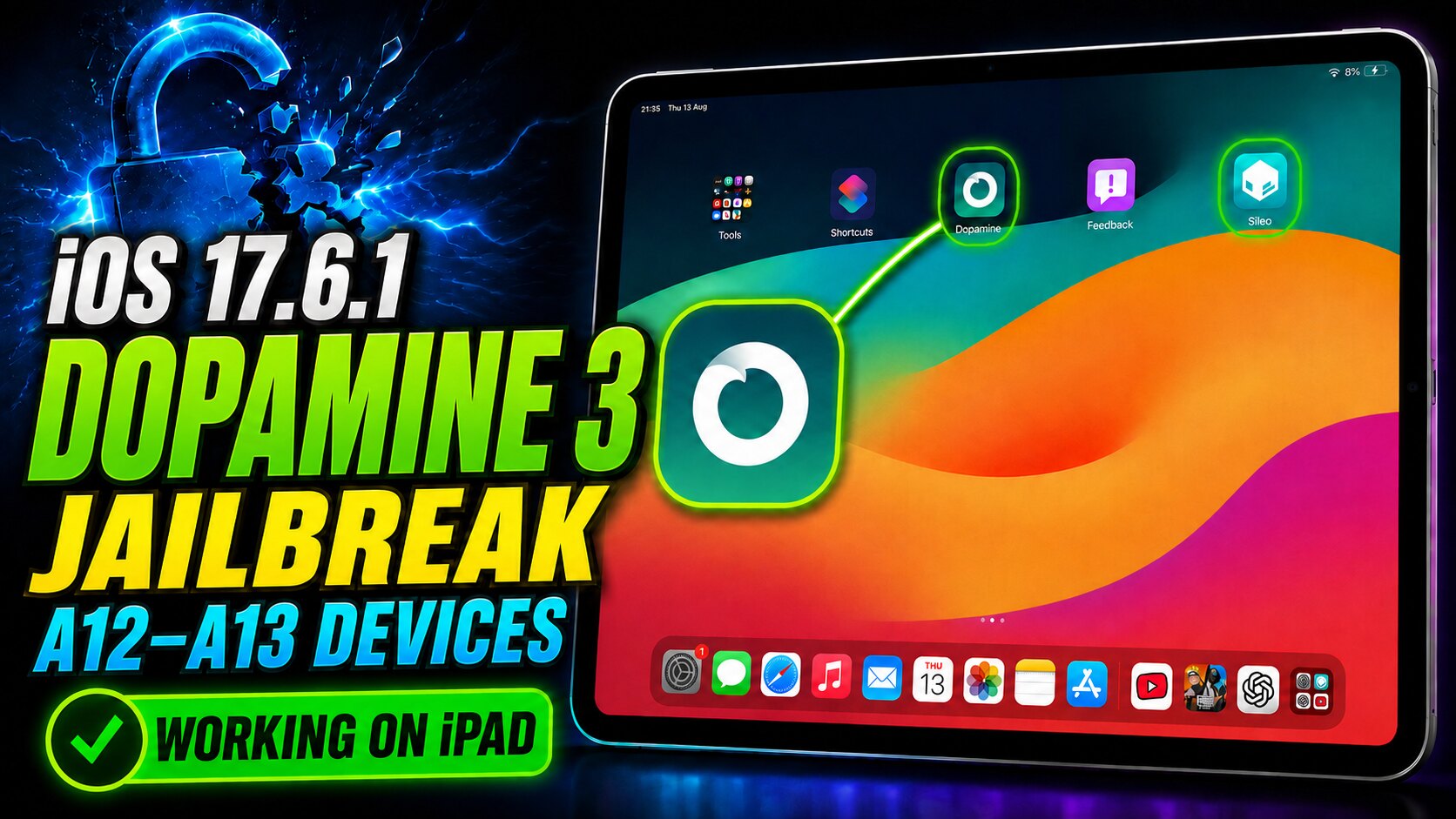
Dopamine 3 greatly expands modern jailbreak support, but “A12 or newer” is not an accurate rule for iOS 17.6.1. The official project currently lists iOS and iPadOS 15.0 through 18.7.1 for A8 through A13 devices. For A14 through A17 and M1 through M2, real-device support stops at iOS 17.3.1.
iOS 17.6.1 compatibility
| Chip family | Common device examples | 17.6.1 status | Official range relevant here |
|---|---|---|---|
| A12 / A12X / A12Z | iPhone XR, XS and XS Max; iPad mini 5, iPad Air 3 and iPad 8; 2018 and 2020 iPad Pro models | Supported | iOS/iPadOS 15.0–18.7.1 |
| A13 | iPhone 11 family, iPhone SE 2 and iPad 9 | Supported | iOS/iPadOS 15.0–18.7.1 |
| A14–A17 / M1–M2 | Newer iPhone, iPad Air and iPad Pro models | Not supported on 17.6.1 | Official real-device limit: iOS/iPadOS 17.3.1 |
What you need before starting
- A supported A12-family or A13 device already running iOS or iPadOS 17.6.1.
- A fresh encrypted Finder or iTunes backup of important data.
- A computer, a reliable cable, and permission to trust the computer on the device.
- The current Dopamine IPA from the official project page and the current PlumeImpactor release named by the installation guide.
- Your Apple Account for local app signing. Never enter it into an unknown jailbreak website.
- Developer Mode enabled after sideloading on iOS/iPadOS 16 or later.
If you previously used rootful palera1n, nathanlr, Relaxin, Serotonin or Bootstrap, follow the official removal guidance before continuing. Mixing old bootstrap files with a new jailbreak can cause preventable failures.
Download from the original source
Use the official Dopamine page or its verified GitHub releases. Next Jailbreak does not mirror the IPA, so the download button always sends you to the developer-controlled source.
Open official Dopamine download
Step-by-step installation
Verify the exact firmware and chip
Open Settings → General → About. Confirm the software version is 17.6.1 and identify the device model before downloading anything. If the device uses A14 or newer, stop: this guide is not compatible with that hardware on 17.6.1.
Install the Dopamine IPA
Connect the device to the computer and trust it. Open PlumeImpactor, sign in from its Settings screen, then drag the official Dopamine IPA into the app and choose Install. Keep the device connected until installation finishes.
Trust the signed app and enable Developer Mode
On the device, open Settings → General → Device Management or Profiles & Device Management, select your Apple Account and trust it. Then open Settings → Privacy & Security → Developer Mode, enable it, and complete the requested restart.
Reboot and run Dopamine
A fresh reboot is recommended. Open Dopamine immediately after the device starts and tap Jailbreak. On A12-family and A13 devices running 16.6 or later, the display may briefly switch off and back on during exploitation; the official guide identifies this as normal.
Open Sileo and finish the base setup
After a successful run, Sileo should appear on the Home Screen. Open it, go to the ElleKit repository, queue ElleKit, search for and queue PreferenceLoader, then confirm the changes. When complete, tap Reboot Device. In this context that button performs a userspace reboot, so the device should remain jailbroken.
Verify before installing tweaks
Reopen Sileo, refresh sources, and confirm that package pages load normally. Install only rootless packages that explicitly match your iOS version and architecture. Add tweaks one at a time so a problem is easy to identify.
After a full reboot
Dopamine is semi-untethered. A full reboot returns the device to a non-jailbroken state without erasing personal data. Open Dopamine and tap Jailbreak again to restore the jailbroken environment.
On iOS/iPadOS 17.6.1, a free Apple Account sideload generally requires the Dopamine app to be re-signed every seven days. Re-sign the app before it expires so you can re-jailbreak after a future reboot.
Troubleshooting
- Dopamine closes or the device restarts: perform a normal reboot, open Dopamine immediately, and try again. Exploit reliability can vary between attempts.
- The screen briefly turns off: on A12-family and A13 devices running 16.6 or later, this can be part of the expected exploit flow.
- Dopamine will no longer open: the sideloaded signature may have expired. Install or re-sign the current official IPA again.
- Sileo does not appear: confirm Dopamine reported success. If it did not, reboot and repeat the jailbreak attempt.
- A tweak causes instability: remove that package in a safe state and confirm it supports rootless iOS/iPadOS 17 before reinstalling.
Safety notes
Jailbreaking changes the device security model and can affect stability, battery life, banking apps, work profiles and future updates. Keep a current backup, avoid random package repositories, read dependencies before confirming a queue, and do not update iOS unless the jailbreak community has confirmed a safe path for your exact device.
Frequently asked questions
Does every A12+ device work on iOS 17.6.1?
No. “A12+” is too broad. Dopamine's official matrix supports the A12 family and A13 on 17.6.1. A14 through A17 and M1 through M2 are listed only through 17.3.1 on real devices.
Does an A12X or A12Z iPad count?
Yes. The official installation guide specifically discusses A12(X/Z) devices on iOS or iPadOS 16.6 and later, including the brief screen-off behavior during exploitation.
Is Dopamine 3 an untethered jailbreak?
No. It is semi-untethered. After a full reboot, open Dopamine and run the jailbreak again.
Can I use TrollStore on iPadOS 17.6.1?
The official guide sends 17.0.1 through 18.7.1 users to the normal sideloading route rather than its TrollStore installation route. Follow the current guide for your exact firmware instead of assuming TrollStore support.
Which package manager should I choose?
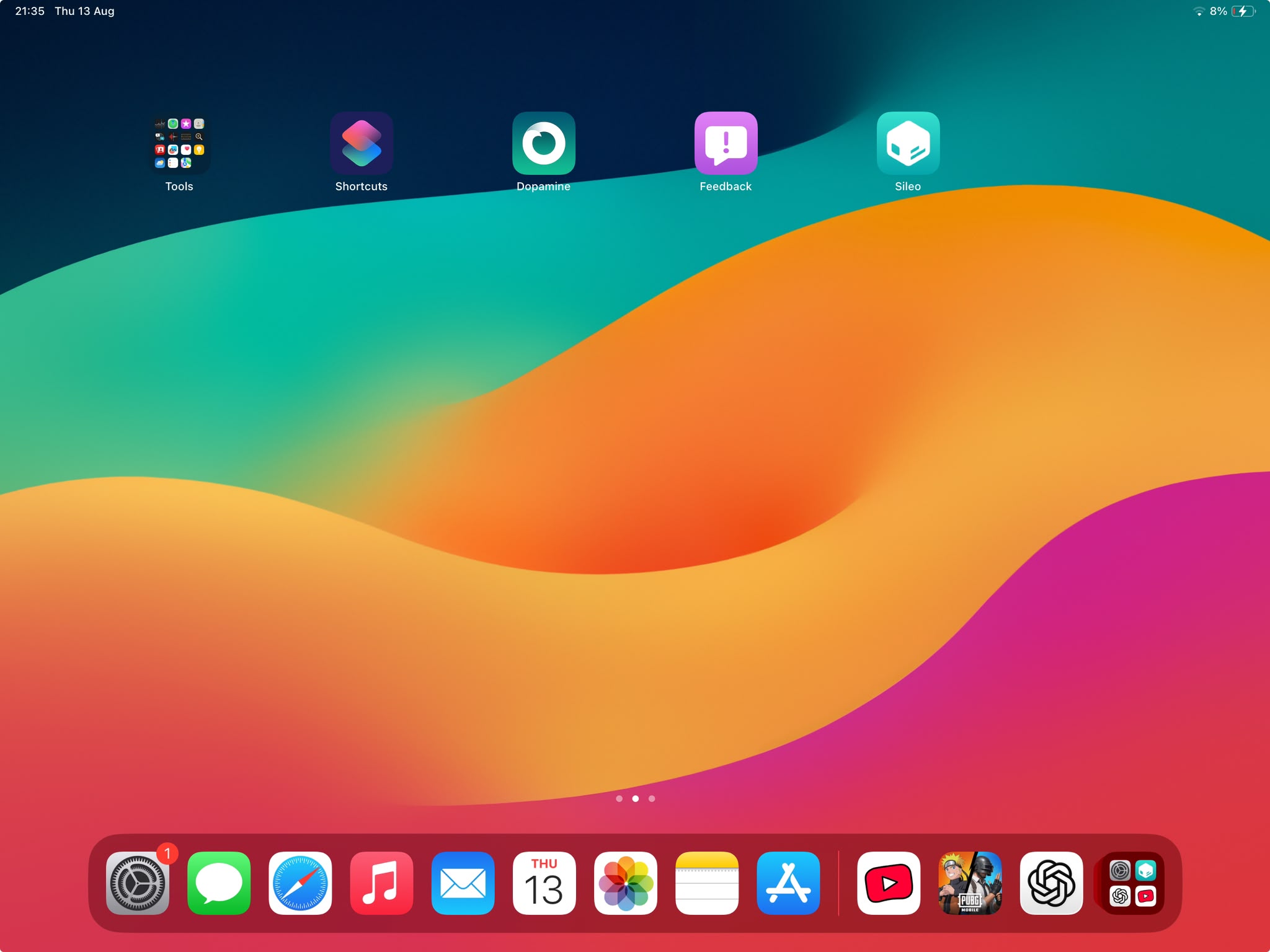
The official Dopamine page lists Sileo and Zebra. The Next Jailbreak walkthrough uses Sileo, which is why the proof image and setup steps focus on it.
Official sources checked
- Dopamine official website and support matrix
- Dopamine official GitHub releases
- Current Dopamine installation guide
- Apple: iPad Pro 12.9-inch (3rd generation) A12X specifications
Compatibility and release details were checked on 13 August 2026. Device examples are provided to help identify chip families; always confirm your exact model before proceeding.