What LockGlass changes
- Is described as customizing the Lock Screen.
- Is described as changing the Lock Screen.
- Is categorized under Lock Screen.
- Is listed as version 1.2, with version 1.1 identified as the previous version.
- Is listed for the iphoneos-arm64 architecture.
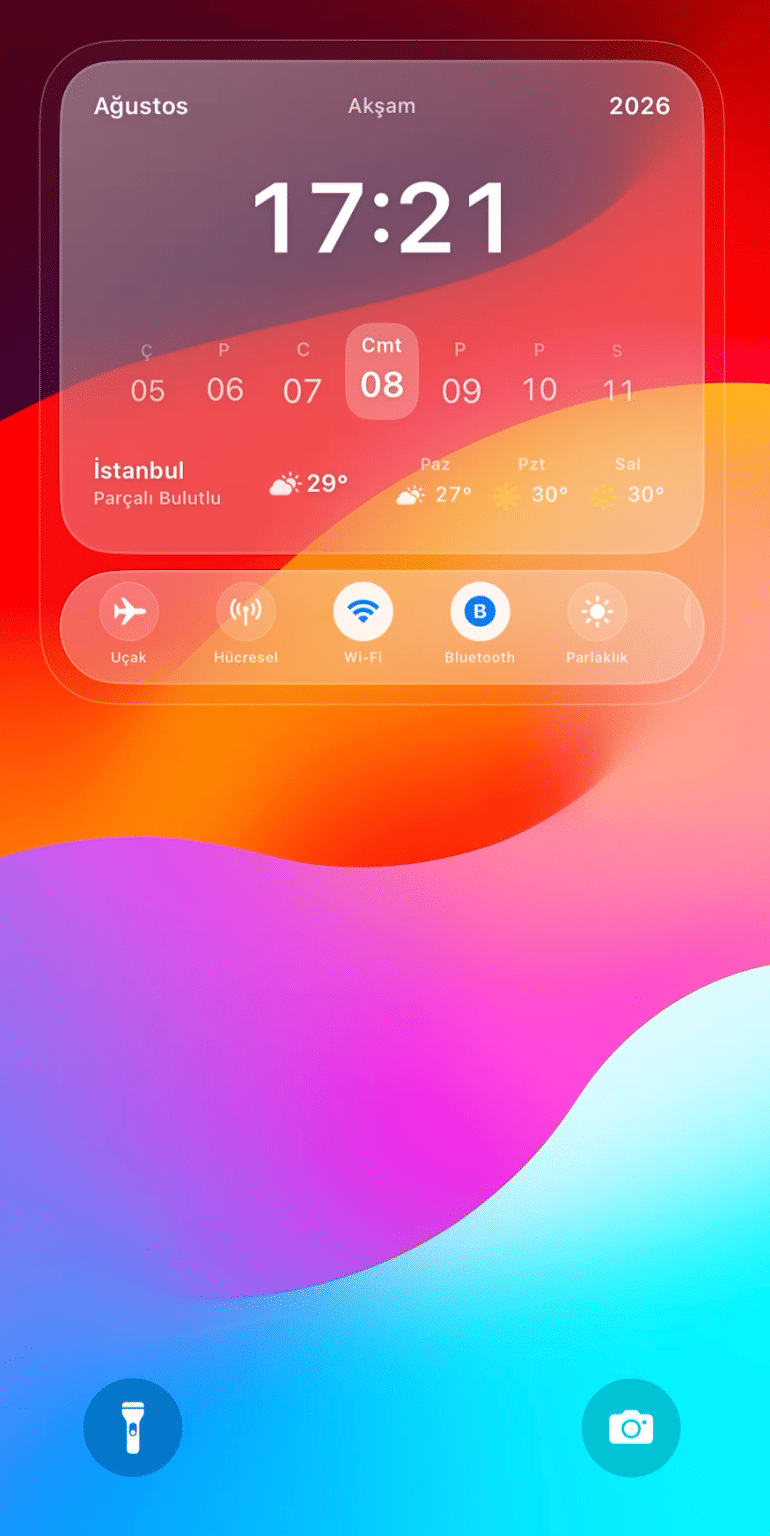
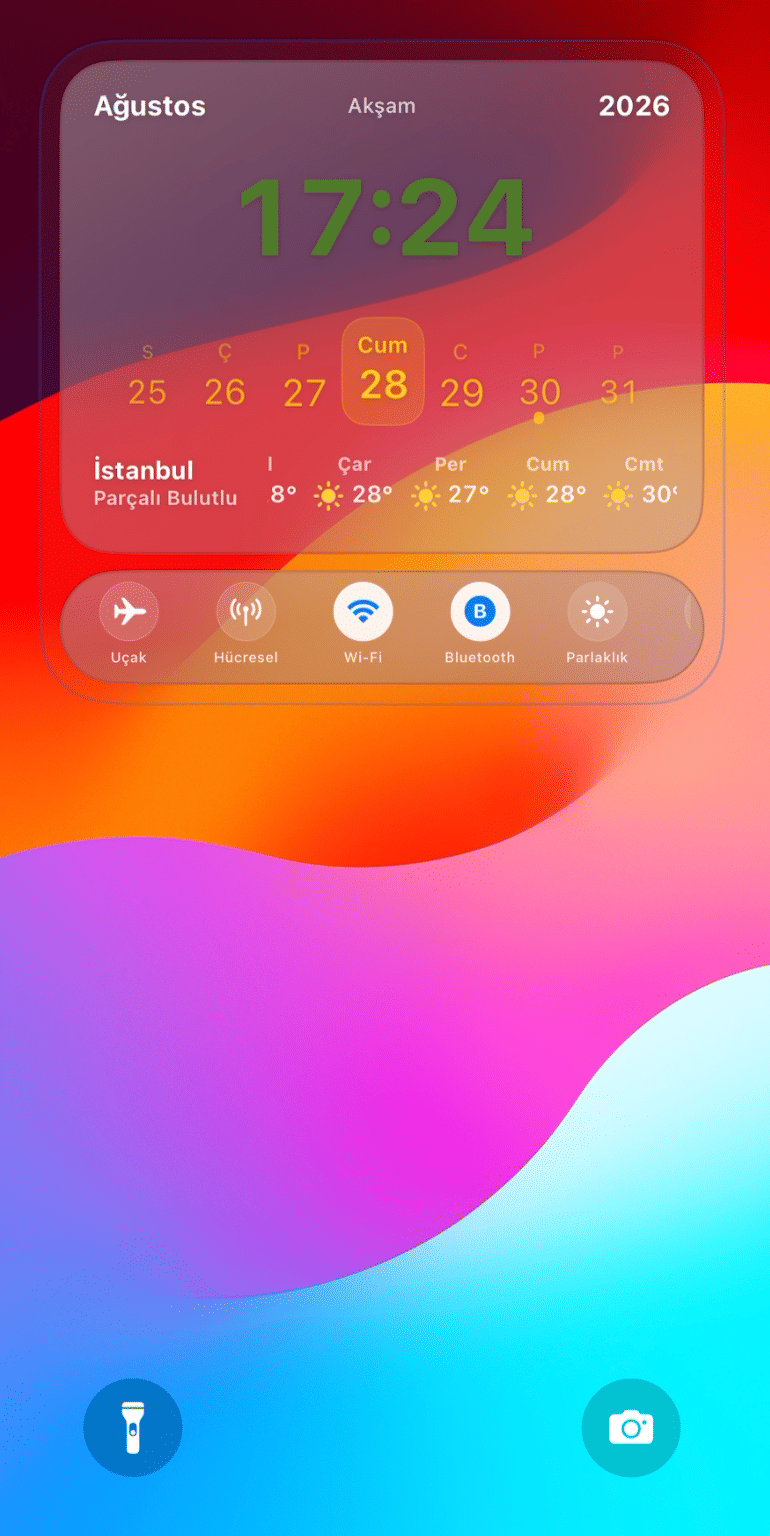
See LockGlass in action
These are real feature images from the credited package or developer listing, not generated phone mockups.
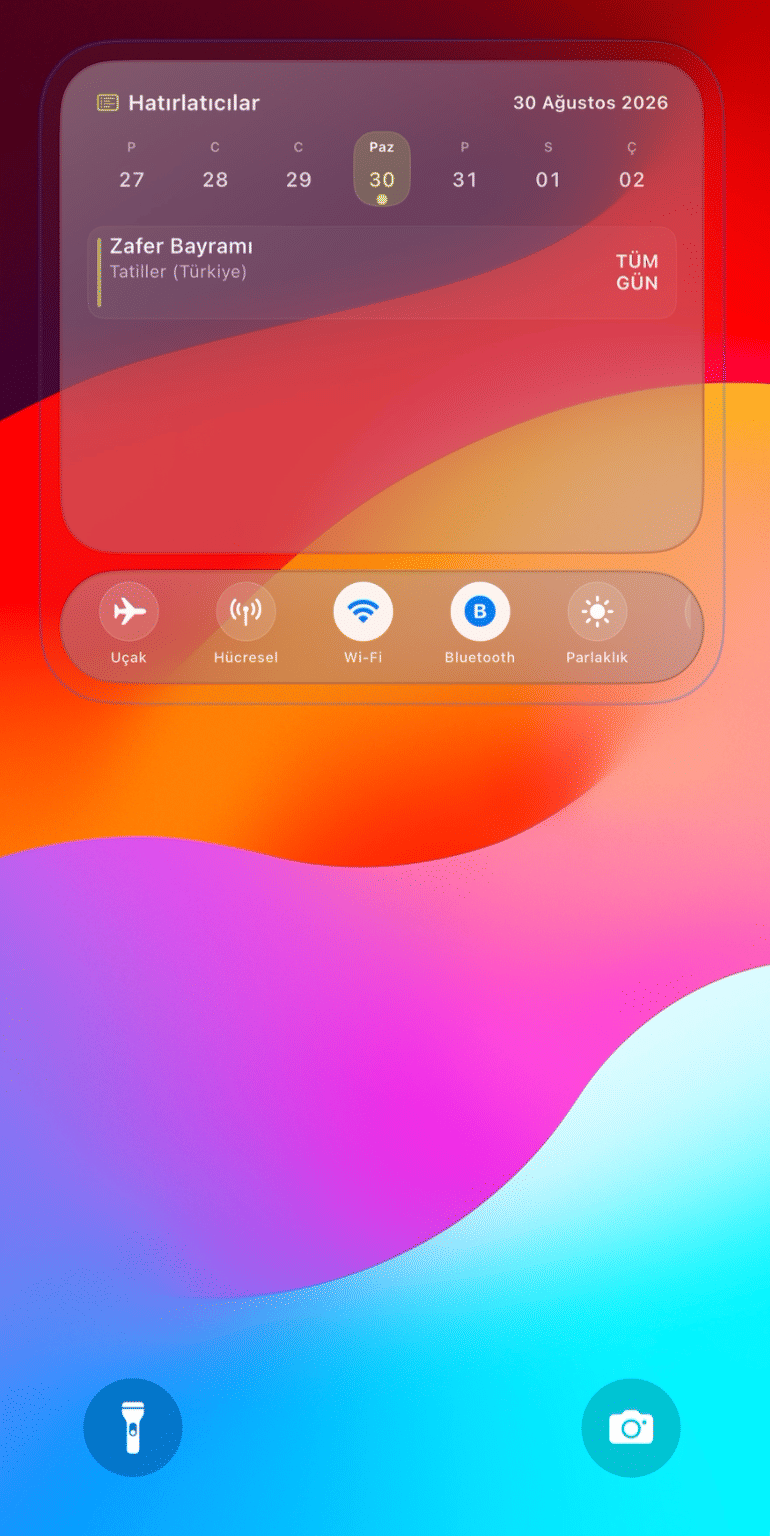
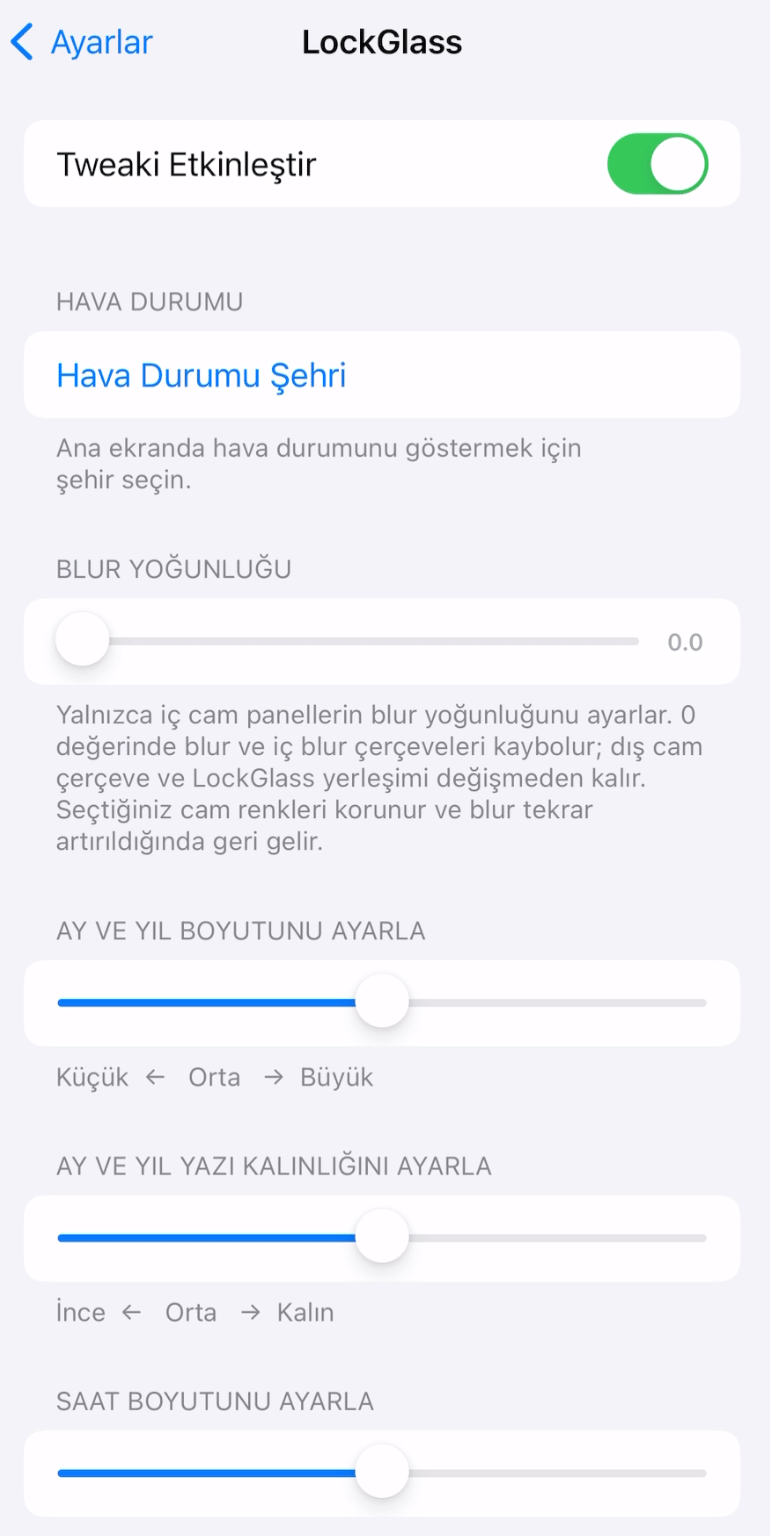
Compatibility and requirements
The package metadata lists iphoneos-arm64 and these dependency expressions: firmware >= 16.0 and <= 18.7.1, or firmware >= 26.0 and <= 26.0.1 together with preferenceloader. These entries are labeled firmware, not iOS versions, so iOS compatibility is not confirmed by the supplied facts. Check the linked source page, your jailbreak architecture, the applicable firmware details, package version, and dependency availability before proceeding.
Installation checklist
- Confirm that your jailbreak environment uses the iphoneos-arm64 architecture listed for LockGlass 1.2.
- Review the linked source page and compare your environment with the package's stated firmware and dependency metadata.
- Check whether the applicable firmware condition and, where required, preferenceloader are available for your setup before proceeding. This is a verification step, not a promise that a package manager will resolve or install the dependency.
- Use your established jailbreak package manager to locate the LockGlass 1.2 listing associated with the supplied source information.
- Compare the displayed package name, version, commercial status, architecture, and dependency information before confirming any action.
- Install only if the architecture and requirements match your environment. Follow any respring or restart prompt only if your package manager presents one.
- After installation, inspect the device only for changes or controls that are actually present. The supplied facts do not confirm a preference panel or specific LockGlass settings.
- If the package does not behave as expected, use the normal removal or disabling controls provided by your jailbreak setup and consult the linked source page.
What to know before installing
- LockGlass is tagged commercial. Review the access terms shown on the linked source page and use the package listing associated with that source.
- The supplied metadata does not confirm an iOS version. Do not convert the listed firmware ranges into iOS compatibility without additional verification.
- Confirm the architecture and dependency availability before installation. The metadata lists iphoneos-arm64 and includes preferenceloader in one dependency expression.
- As a general jailbreak precaution, make sure you know how your setup handles package removal or Safe Mode before installing a system customization. This is not a package-specific indication that a problem will occur.
- As a general precaution, note your existing configuration before making changes if you may need to reproduce it later. The supplied facts do not confirm that LockGlass provides settings that can be exported or restored.
Frequently asked questions
What is LockGlass 1.2?
LockGlass 1.2 is listed as a jailbreak tweak in the Lock Screen category. Its supplied description says it can customize and change the Lock Screen.
Which architecture is listed?
The release is listed for the iphoneos-arm64 architecture.
Does the metadata confirm iOS compatibility?
No. The metadata lists conditions labeled firmware rather than explicitly naming iOS versions. Check the linked source page and your environment for applicable compatibility information.
What dependencies are listed?
The metadata lists a firmware condition covering 16.0 through 18.7.1, or another condition covering 26.0 through 26.0.1 together with preferenceloader. Check which condition applies and whether the dependency is available for your setup.
Is LockGlass free?
The package is tagged commercial. The supplied facts do not state a price or access terms, so review the linked source page for current information.
Package identifier: com.jailbreaktweaker.lockglass17 · Published 2026-08-26 · Source details checked against the linked package listing.