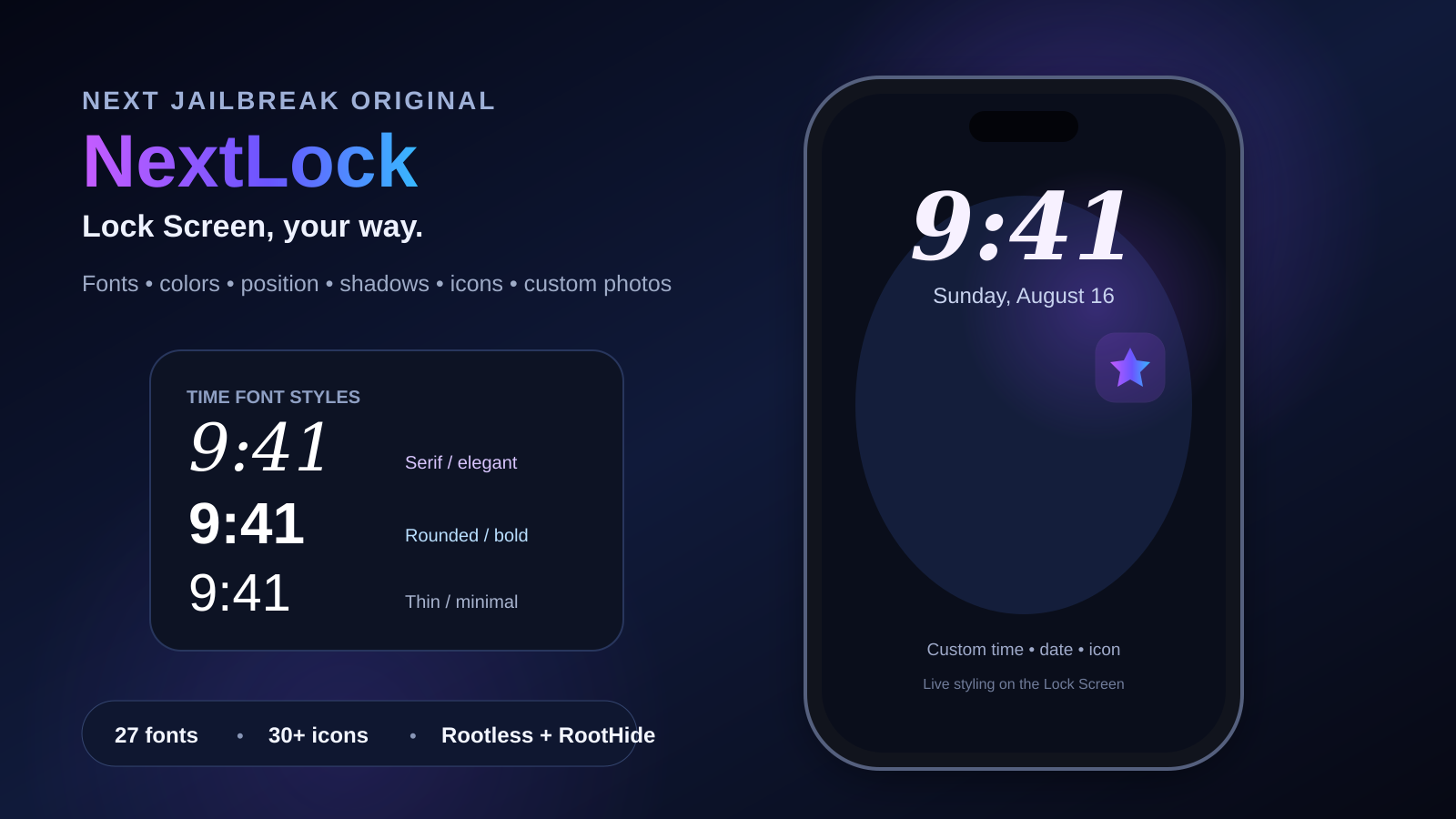
NextLock — Lock Screen, Your Way
NextLock is a complete Lock Screen customization tweak from Next Jailbreak. It lets you independently redesign the time and date, move them exactly where you want, add advanced shadows, choose from more than 30 icons, or use your own photo — including transparent PNG artwork that stays sticker-style without a square background.
Why NextLock stands out
Most Lock Screen tweaks focus on one element. NextLock brings the clock, date and icon into one clean settings experience while keeping every major control independent. You can make a bold modern clock, a thin elegant serif layout, a colorful neon look, or stay close to Apple's original design and adjust only the positioning.
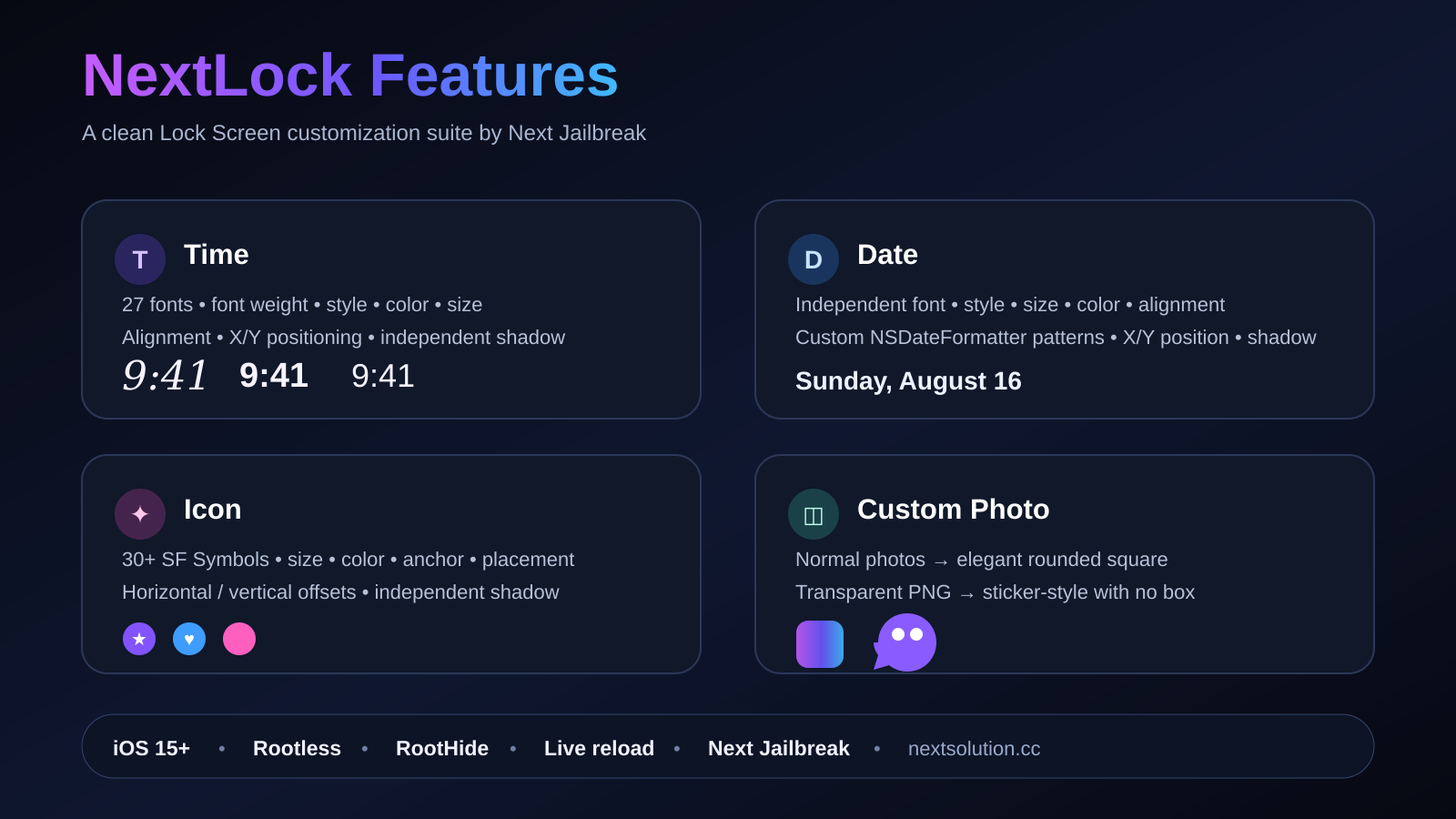
NextLock promotional feature overview showing time, date, icon, position, shadow and photo controls.
Full Time customization — including attractive font styles
The time is the largest visual element on the Lock Screen, so NextLock gives it the deepest control. The tweak includes 27 font choices, from Apple's original appearance and system families to rounded, serif, monospaced and familiar typefaces such as Avenir Next, Futura, Georgia, Menlo, Palatino, American Typewriter, Copperplate and Snell Roundhand.
Choose a font independently for the clock, then set Ultra Light through Black weight where supported.
Default, Normal, Bold, Italic, Bold Italic, Outline, Shadow and Glow give the time a visibly different personality.
Scale the clock from subtle to oversized and choose a custom color without changing the date.
Independent horizontal and vertical offsets let you fine-tune the clock around your wallpaper or icon layout.
Automatic, Left, Center or Right alignment works separately from manual X/Y position controls.
Control shadow color, opacity, blur radius plus X and Y offsets just for the time.
Date customization
The date has its own font, weight, size, color, style, alignment, positioning and shadow settings. It is not tied to the time, so you can combine completely different typography — for example a large modern time with an elegant date above it.
Use system formatting, built-in alternatives such as EEE, MMM d or EEEE, MMMM d, or enter a custom NSDateFormatter pattern.
Default, Normal, Bold, Italic, Bold Italic, Uppercase, Lowercase, Outline, Shadow and Glow.
Date horizontal and vertical offsets are independent from the clock.
Opacity, blur, color and directional offsets can be tuned without affecting time or icon shadows.
Icons, custom photos and sticker-style PNGs
NextLock supports more than 30 built-in SF Symbols — including stars, hearts, moon, sun, cloud, flame, lock, key, shield, camera, music, clock, calendar, crown, globe and more. Set the icon size, color, anchor target, placement and fine X/Y offsets, then give it a separate shadow.
Your own photo
The built-in photo editor lets you choose an image from Photos, crop and zoom it, and use it directly on the Lock Screen. NextLock preserves the selected image as PNG data so transparent artwork stays transparent. Version 1.0.5 adds separate Photo Width and Photo Height sliders from 20–600pt, letting you stretch or enlarge photos and stickers horizontally and vertically independently without changing SF Symbol icon size.
If real transparent pixels are detected, NextLock uses aspect-fit and shows only the artwork — no forced square background.
If the image is opaque, it uses aspect-fill inside a polished rounded-square frame.
The outer host keeps the shadow visible even while a normal photo is clipped to rounded corners.
Place the icon left, right, above or below the chosen element, then fine-tune its exact position.
Clean Next Jailbreak settings design
The final NextLock preferences are organized into dedicated pages instead of one overloaded screen: Time, Date, Icon, Custom Photo, Advanced and About. The main page includes NextLock branding, a dedicated app icon, an Apply Changes action and a clean Next Jailbreak footer.
Advanced tools provide quick Apply Changes plus individual reset buttons for Time, Date and Icon, along with Reset All. Preference changes use live reload so most visual changes can be tested without repeatedly digging through the settings hierarchy.
Compatibility
The public package name changed from LockGlyphTime to NextLock, but the package identifier remains the same so existing installations can upgrade instead of appearing as a second tweak.
How to install NextLock
Add the Next Jailbreak repository
In Sileo, add https://nextjailbreak.com as a source, or use the button below.
Search for NextLock
Refresh sources and search for NextLock. Sileo will select the compatible package architecture for your environment.
Install and apply
Install the package, respring when requested, then open Settings → NextLock to start customizing your time, date and icon.
NextLock 1.1.4 update
NextLock 1.1.4 moves the complete Activation section to the bottom of the tweak preferences, keeping General and the normal customization pages first. The fast direct license registry checks and automatic activation/revocation refresh remain unchanged.
FAQ
Can I make the time look completely different from Apple's default?
Yes. Time font, weight, size, color, style, alignment, X/Y position and shadow are all independently adjustable.
Will transparent PNG icons get a square background?
No. NextLock detects transparency and keeps transparent artwork sticker-style. Opaque photos are shown as rounded squares.
Can I customize the date separately?
Yes. The date has independent appearance, position, format and shadow controls.
Does NextLock support RootHide?
Yes. Next Jailbreak publishes separate Rootless and RootHide builds.