What Prism changes
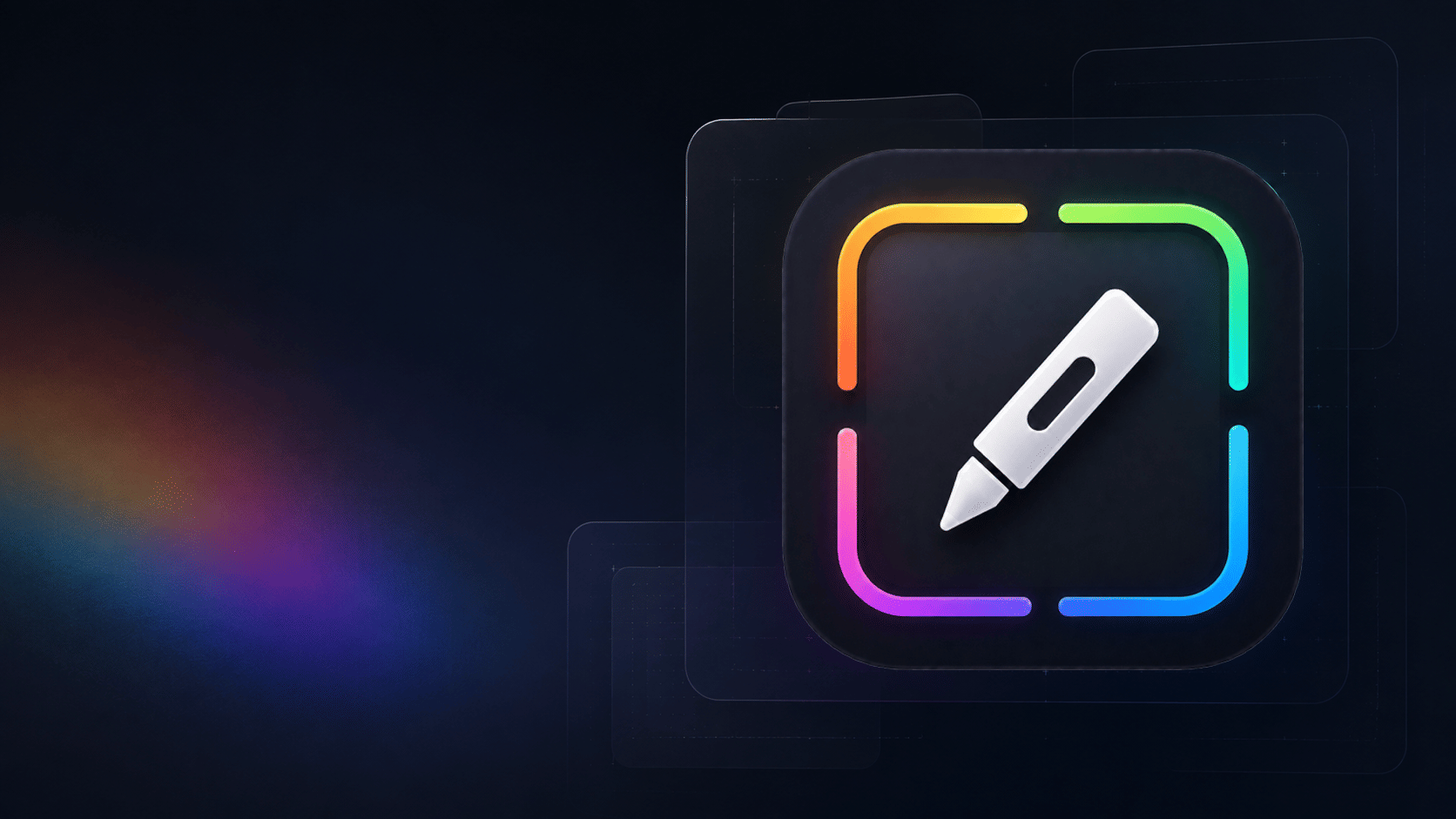
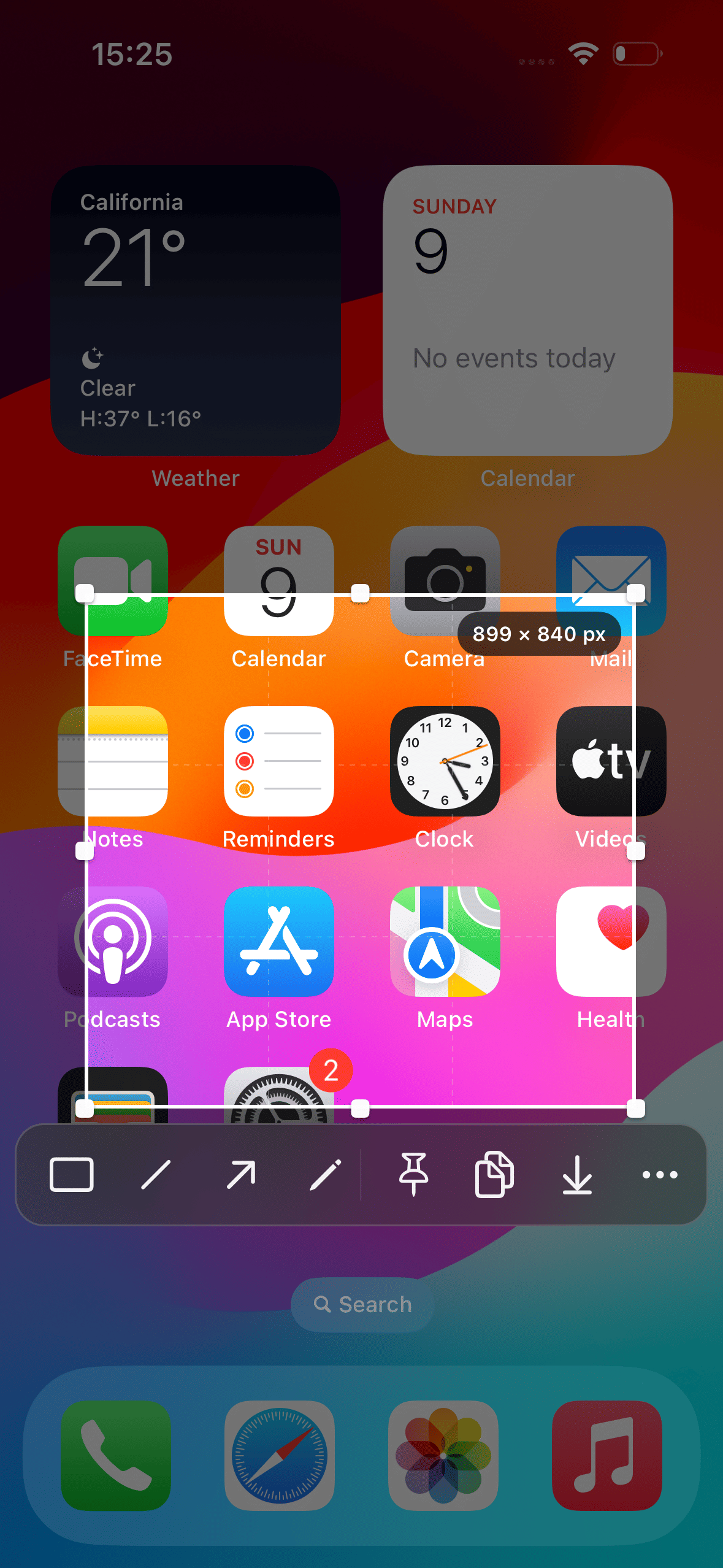
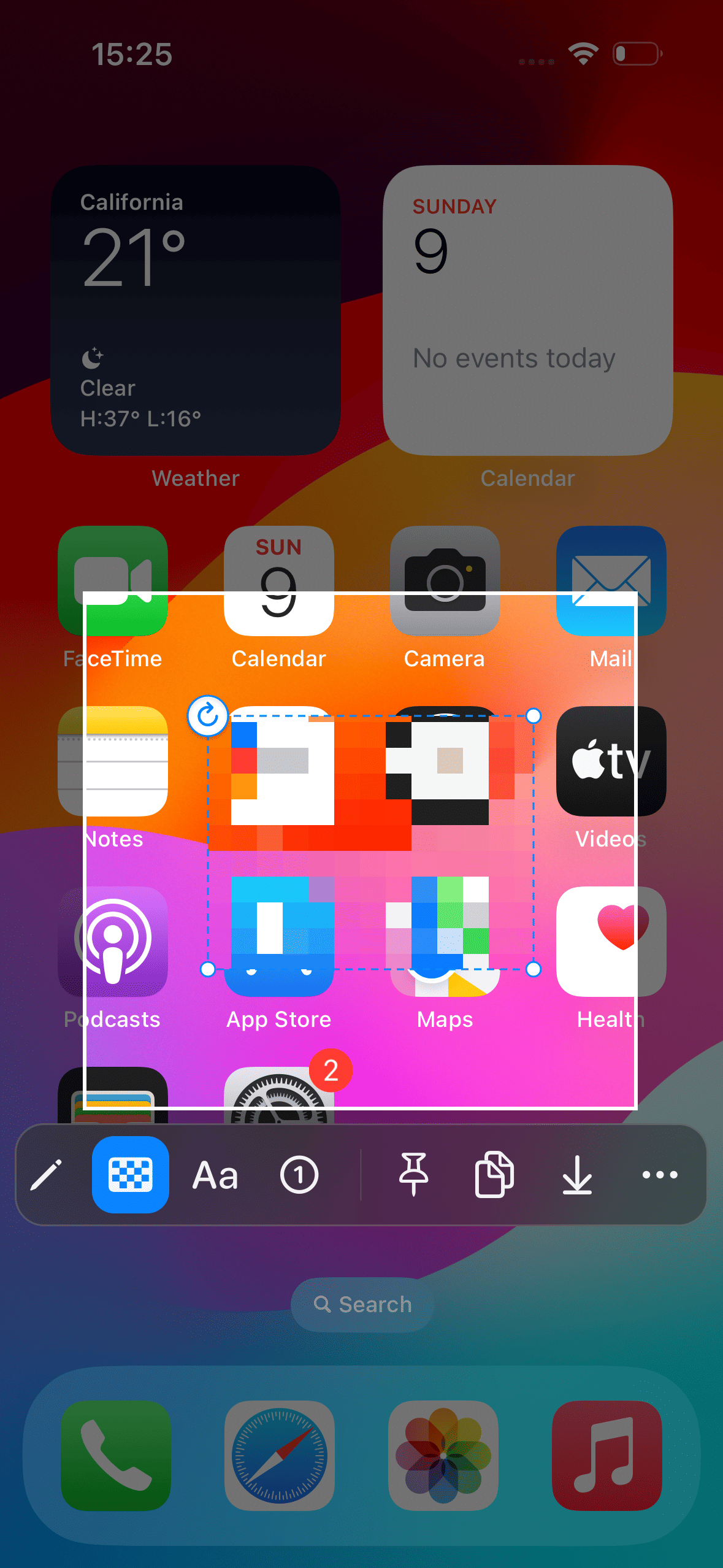
- Captures content shown on the screen.
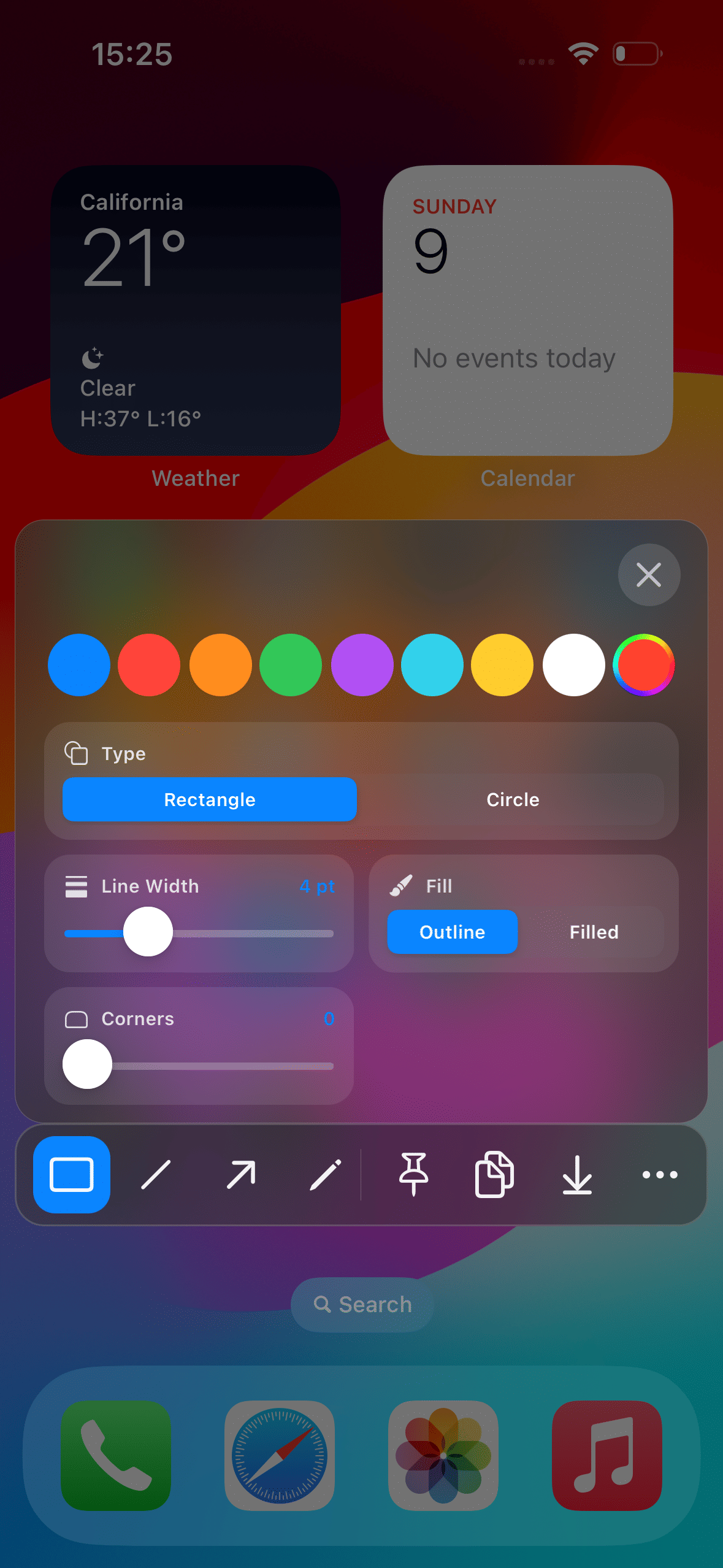
- Provides annotation functionality for on-screen content.
- Pins selected on-screen content.
- Combines capture, annotation, and pinning features in one System & Utilities tweak.
- Is listed as release 1.2.0-2, updated from version 1.2.0.
See Prism in action
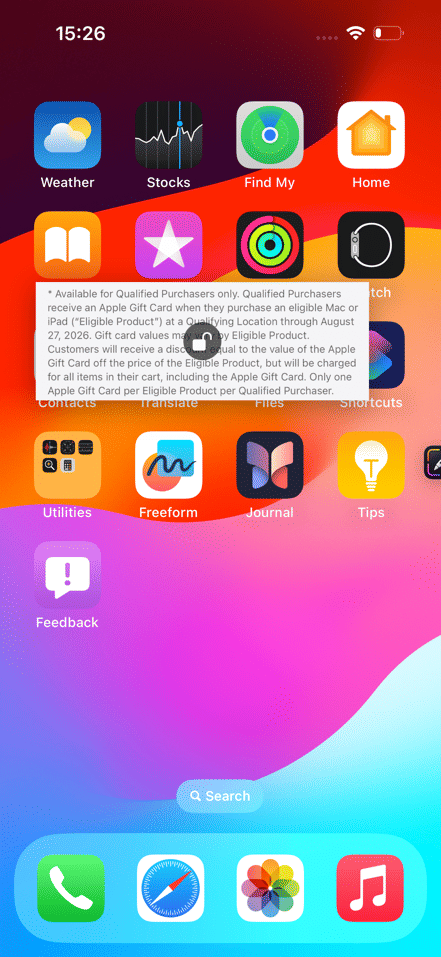
These are real feature images from the credited package or developer listing, not generated phone mockups.
Compatibility and requirements
The package lists the iphoneos-arm64 architecture and a firmware dependency of >= 16.0. The supplied metadata does not explicitly identify an operating-system version. Confirm that your jailbreak uses the iphoneos-arm64 architecture, and verify current compatibility details and dependency availability on the linked source page before installation.
Installation checklist
- Confirm that your device and jailbreak use the listed iphoneos-arm64 architecture.
- Check the linked source page for Prism 1.2.0-2 and confirm that the package is available for your setup.
- Review the listed requirements: firmware >= 16.0, mobilesubstrate >= 0.9.7100, com.opa334.ccsupport, and preferenceloader.
- Confirm that each required dependency is available for your jailbreak environment before proceeding; do not assume your package manager can resolve or install every dependency automatically.
- Review the package details, including the commercial tag, before obtaining the release through the linked source page.
- Install Prism 1.2.0-2 using the normal package-install process for your jailbreak, following the prompts shown by your package manager.
- Respring or restart components only if your jailbreak workflow requests it, then look for Prism controls or settings that are actually present.
- If the package does not appear to function as expected, review the source listing and your dependency and architecture checks before changing other system packages.
What to know before installing
- Prism is tagged as commercial, so review the linked source page for applicable licensing or purchase information.
- The metadata lists firmware >= 16.0, not an explicitly named operating-system version. Do not treat that value alone as confirmation of compatibility with a particular operating-system release.
- Install only after confirming the iphoneos-arm64 architecture and the availability of all listed dependencies in your jailbreak environment.
- The recorded release identity is com.blacknoisy.prism|1.2.0-2|iphoneos-arm64. If your source provides a checksum, the supplied SHA-256 value for comparison is 5232bc1a23711563c1e06c0c29dd7c0b8d055ab95399bc03ddb80b4aefb4076b.
Frequently asked questions
What is Prism?
Prism is a System & Utilities jailbreak tweak by blacknoisy. Its description says it can capture, annotate, and pin what matters on screen.
What features are listed for Prism 1.2.0-2?
The supplied metadata lists screen capture, annotation, and pinning functionality. It does not provide further detail about controls or workflows.
Which architecture is listed?
The release is listed for iphoneos-arm64.
Does the firmware dependency confirm compatibility with a particular operating-system version?
No. The supplied metadata lists a firmware dependency of >= 16.0 but does not explicitly identify an operating-system version. Verify the exact compatibility details on the linked source page.
What dependencies are listed?
The dependencies are firmware >= 16.0, mobilesubstrate >= 0.9.7100, com.opa334.ccsupport, and preferenceloader.
Is Prism free software?
The package is tagged commercial. Check the linked source page for current licensing or purchase details.
Package identifier: com.blacknoisy.prism · Published 2026-08-31 · Source details checked against the linked package listing.