
What Remove Widget Background changes
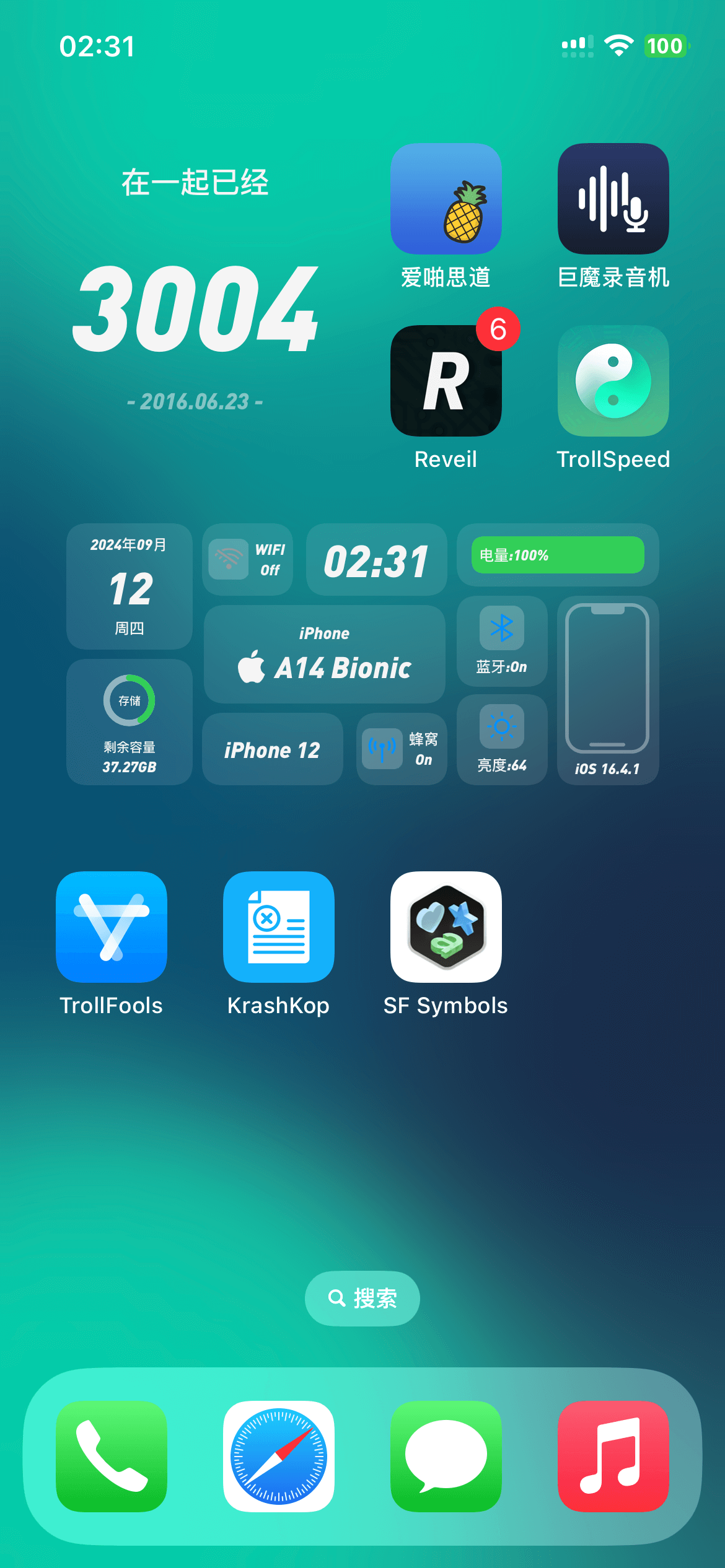
- Removes the background of widgets on the Home Screen.
- Is categorized under Home Screen.
- Is listed as version 2.1.1.
- Provides iphoneos-arm and iphoneos-arm64 package variants.
- Lists firmware (>= 15.0), mobilesubstrate, and com.opa334.altlist as dependencies.
See Remove Widget Background in action
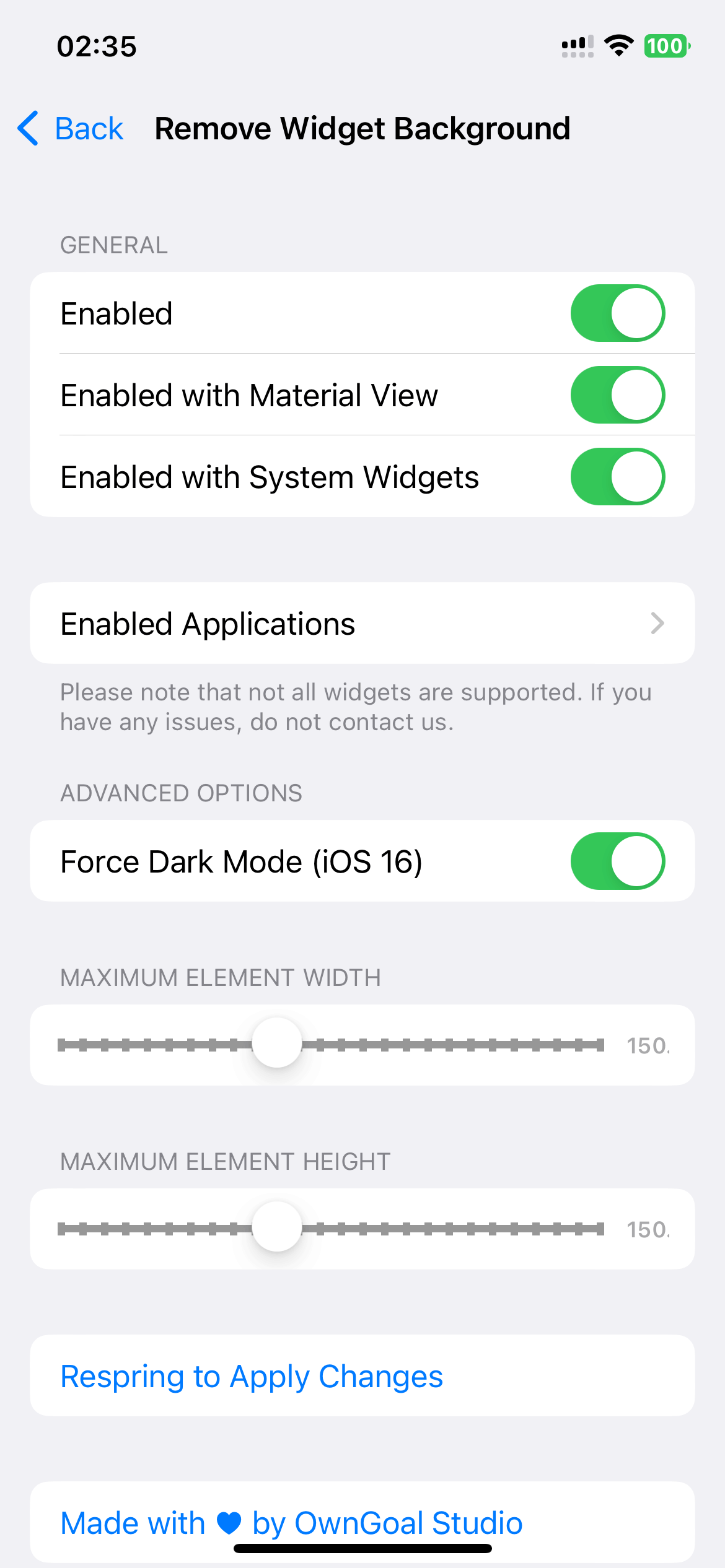
These are real feature images from the credited package or developer listing, not generated phone mockups.

Compatibility and requirements
The metadata lists a firmware requirement of >= 15.0 and package variants for iphoneos-arm and iphoneos-arm64. It does not explicitly label a supported iOS version, so iOS compatibility is not confirmed from these facts alone. Check the linked source page and confirm that your architecture and all listed dependencies are available before proceeding.
Installation checklist
- Open the package manager associated with your jailbreak environment and locate Remove Widget Background version 2.1.1 in the linked source listing.
- Read the package details and confirm the package identifier is com.82flex.removewidgetbg and the version is 2.1.1.
- Check whether your environment uses iphoneos-arm or iphoneos-arm64, then identify the matching package variant if both are presented.
- Review the listed requirements: firmware (>= 15.0), mobilesubstrate, and com.opa334.altlist.
- Check independently that each listed dependency is available for your architecture and environment. Do not assume that a package manager can resolve or install dependencies.
- Proceed only after reviewing the package details and confirming dependency availability.
- If the package manager presents a standard post-installation action, follow its displayed procedure, then inspect the Home Screen widgets for the listed background change.
- If the result is not as expected, review the linked source page and use the package manager’s normal removal procedure if needed.
What to know before installing
- The supplied metadata does not confirm a specific iOS version; check the linked source page before proceeding.
- Confirm your architecture because the release has separate iphoneos-arm and iphoneos-arm64 variants.
- Review the firmware requirement, mobilesubstrate dependency, and com.opa334.altlist dependency before proceeding.
- Keep the package details available so the installed package can be compared with the listed identifier and version.
Frequently asked questions
What does Remove Widget Background do?
Its listed function is to remove the background of widgets on the Home Screen.
What is the current release version?
The supplied package metadata identifies version 2.1.1 and marks the release as updated from version 2.0.
Which architectures are listed?
The release has package variants for iphoneos-arm and iphoneos-arm64.
What dependencies are listed?
The metadata lists firmware (>= 15.0), mobilesubstrate, and com.opa334.altlist.
Is a specific iOS version confirmed?
No. The metadata states a firmware requirement rather than explicitly naming an iOS version. Check the linked source page for environment-specific compatibility details.
Package identifier: com.82flex.removewidgetbg · Published 2026-08-25 · Source details checked against the linked package listing.