
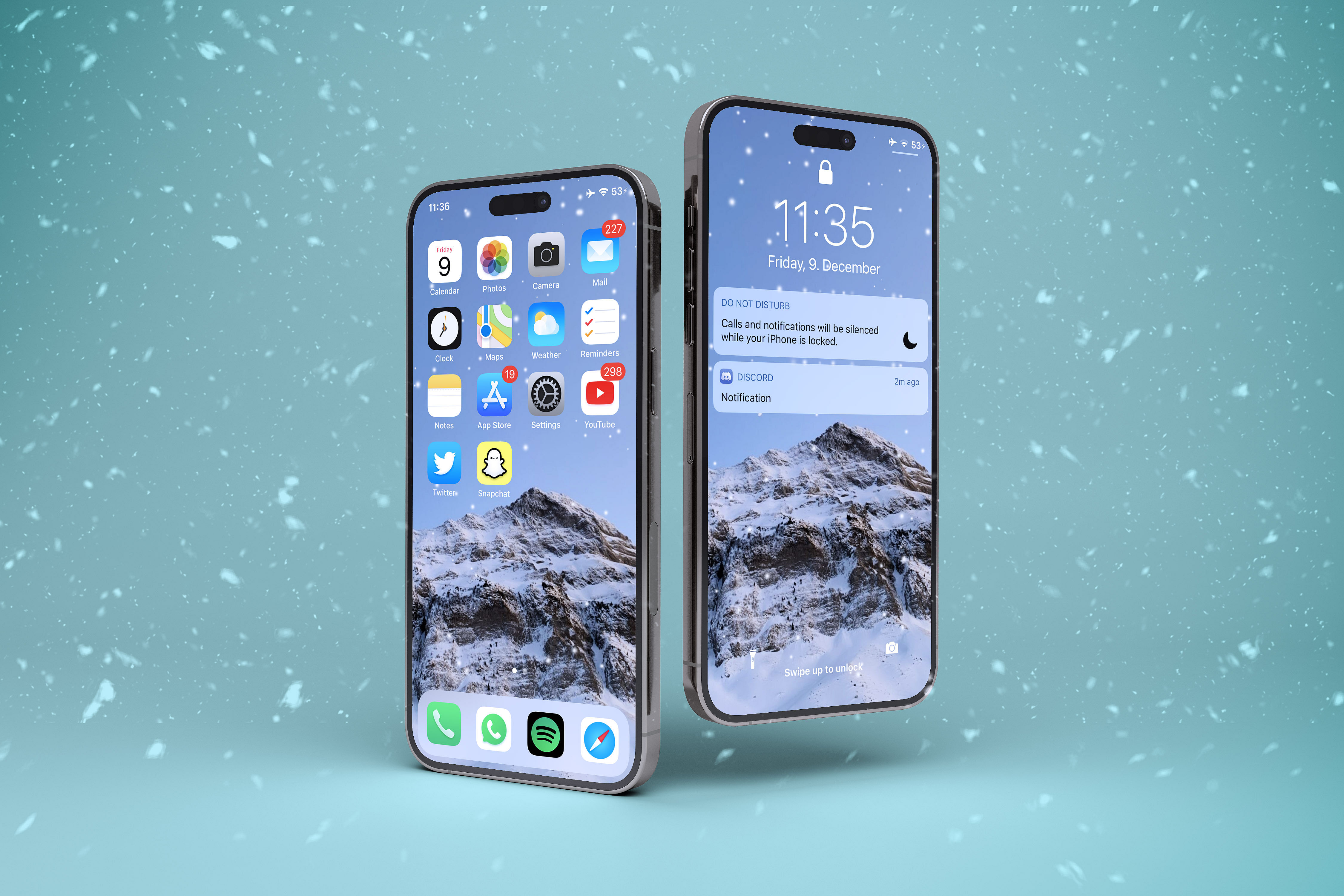
What Stella changes
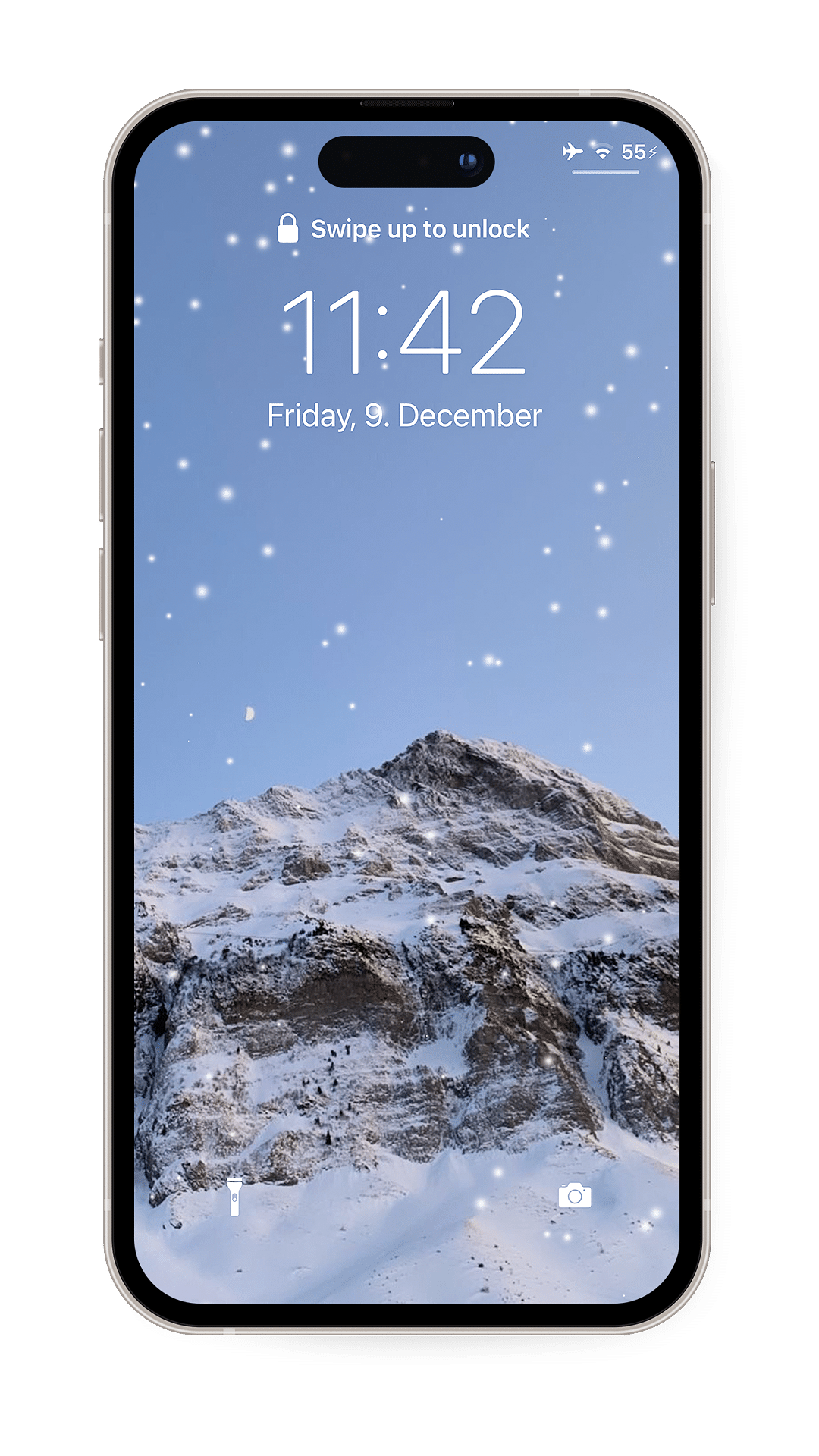
- Uses the package description “Let it snow on your device!”
- Is listed in the System & Utilities category.
- Is listed in the Tweaks section.
- Identifies version 1.2, with 1.1.5 recorded as the previous version.
- Lists iphoneos-arm and iphoneos-arm64 release variants.
- Lists firmware (>= 12.2) and com.ginsu.comet in its dependency field.
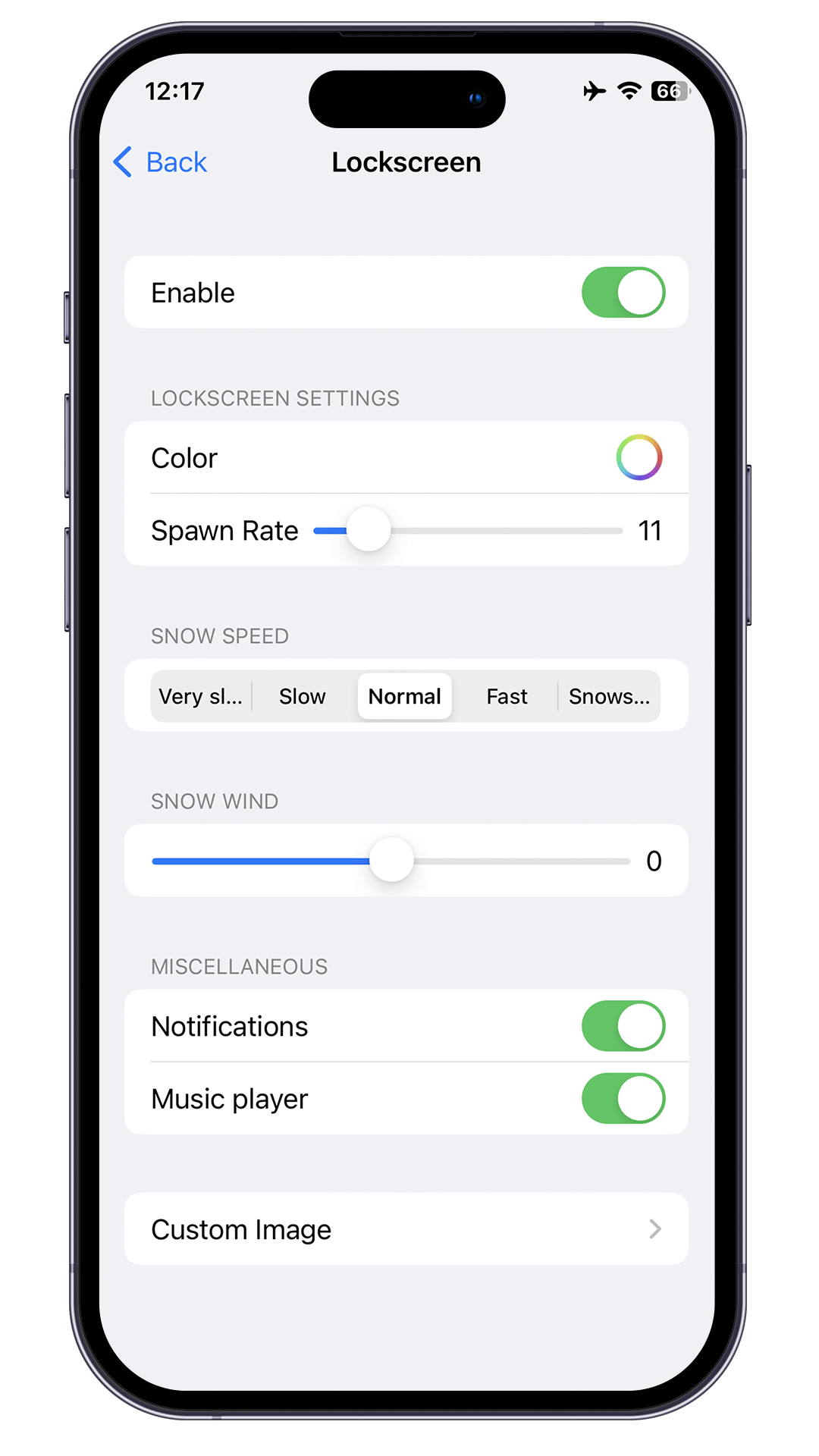
See Stella in action
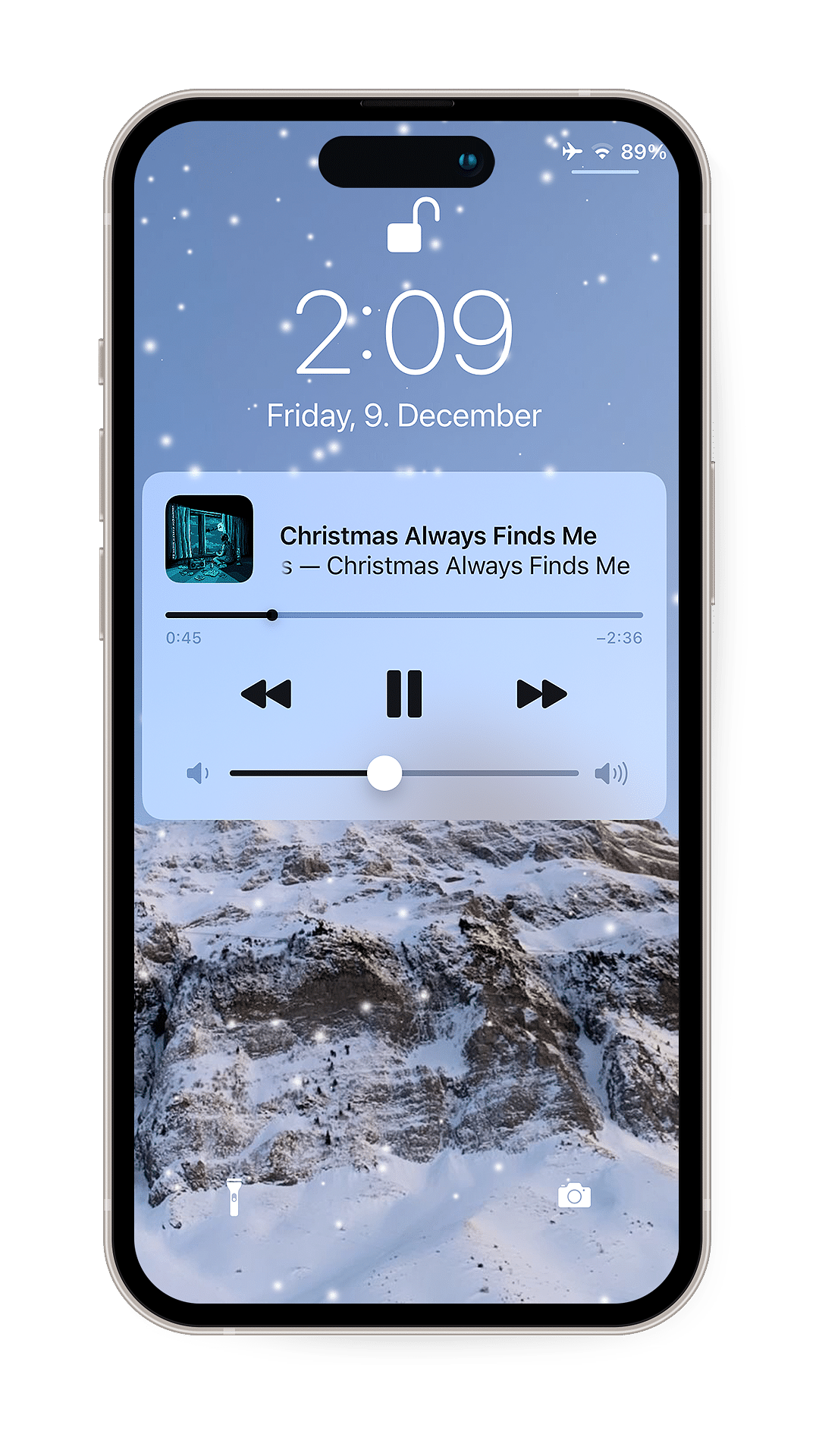
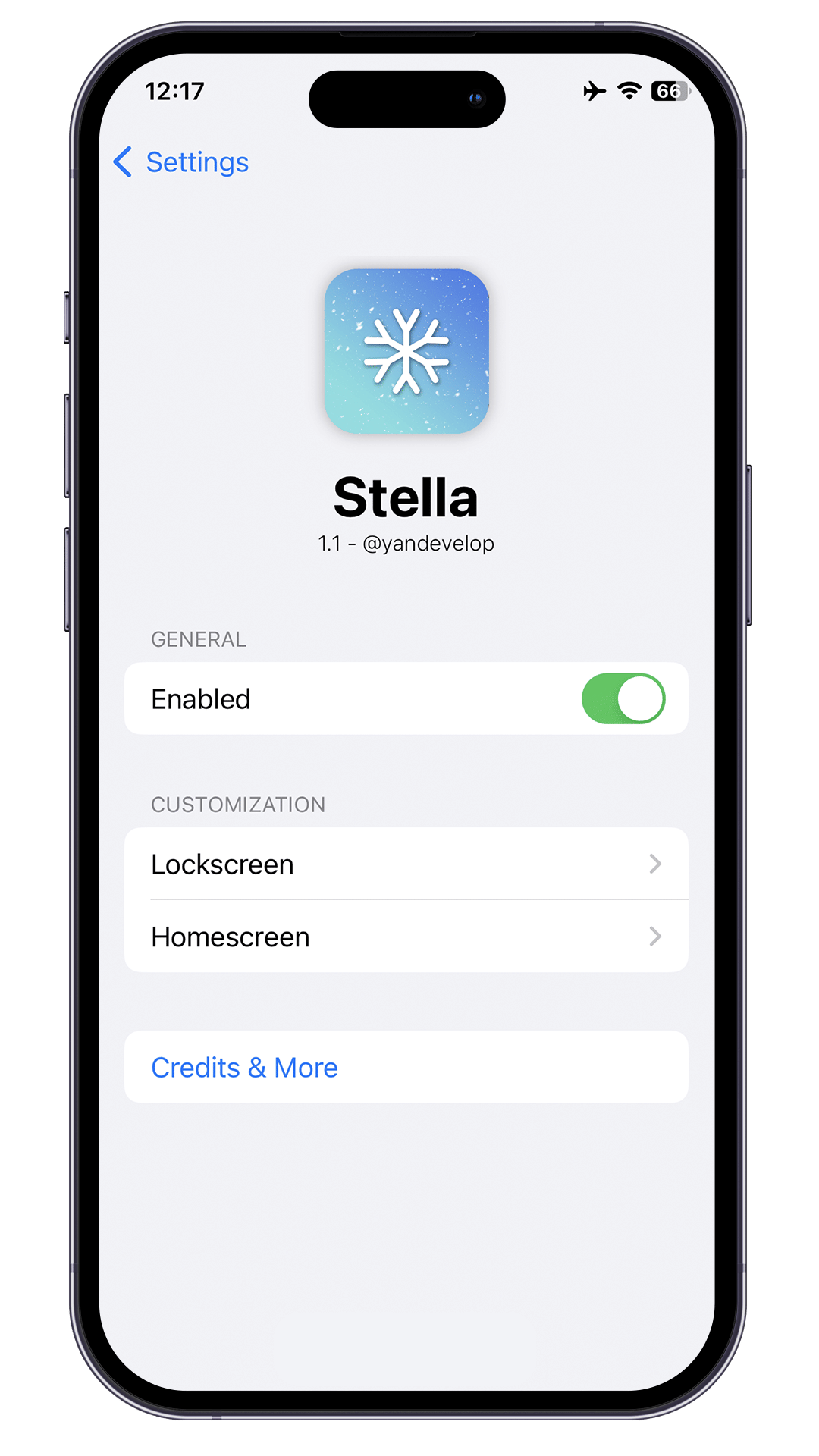
These are real feature images from the credited package or developer listing, not generated phone mockups.
Compatibility and requirements
The metadata lists iphoneos-arm and iphoneos-arm64 architectures and the dependency entry firmware (>= 12.2), but it does not label these values as an operating-system compatibility range. It also does not identify a supported device list or installation environment. Check the linked source page, your architecture, and the availability of com.ginsu.comet before proceeding.
Installation checklist
- Open the linked source page or your usual package-management interface and locate the package named Stella, version 1.2.
- Compare your environment’s architecture with the two listed variants: iphoneos-arm and iphoneos-arm64.
- Review the dependency entry, which lists firmware (>= 12.2) and com.ginsu.comet.
- Check the linked source page and your package-management interface for the availability of the required dependency in your environment.
- Read the displayed package version, architecture information, dependency information, and any current release notes before proceeding.
- Use the installation controls provided by your package-management interface only after checking architecture and dependency availability.
- If the interface displays a respring or restart instruction, follow that on-screen instruction and wait for the process to finish.
- After installation, consult the linked source page for any configuration or removal information; the supplied metadata does not identify a settings location or removal procedure.
What to know before installing
- The supplied facts do not confirm a particular operating-system version, device model, or installation environment. Check the linked source page before proceeding.
- Check the listed dependency com.ginsu.comet for availability and suitability in your environment before installation.
- Confirm the selected architecture because the metadata lists separate iphoneos-arm and iphoneos-arm64 variants.
- The metadata does not describe configuration controls, removal steps, or a recovery procedure. Look for current instructions on the linked source page before making changes.
Frequently asked questions
What is Stella 1.2?
Stella is the package name for version 1.2, listed in the System & Utilities category and Tweaks section. Its supplied description is “Let it snow on your device!”
Who is listed as the author?
The author field lists yandevelop <yandev@gmx.de>.
Which architectures are listed?
The metadata lists iphoneos-arm and iphoneos-arm64 release variants.
What dependencies are listed?
The dependency field lists firmware (>= 12.2) and com.ginsu.comet. Check their availability in your environment before proceeding.
Does the metadata confirm support for a particular operating-system version or device?
No. The supplied facts list architectures and a firmware dependency, but they do not provide a labeled operating-system compatibility range or device list.
Does the metadata explain how to configure the described effect?
No. The supplied facts provide the sentence “Let it snow on your device!” but do not identify controls, a settings location, or additional modes.
Package identifier: com.yan.stella · Published 2026-08-27 · Source details checked against the linked package listing.