
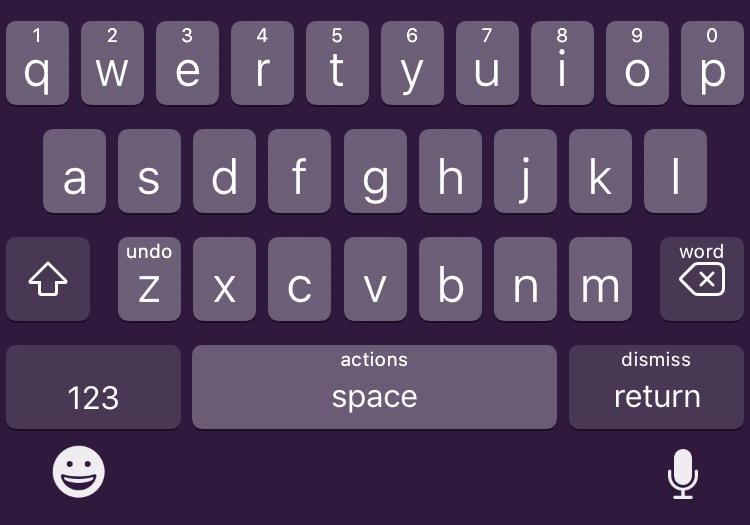
What SwipeExtenderX actually changes
The package supports swipe and long-press gestures on individual keys. The result is a keyboard that can expose common editing commands without adding a separate row of buttons.
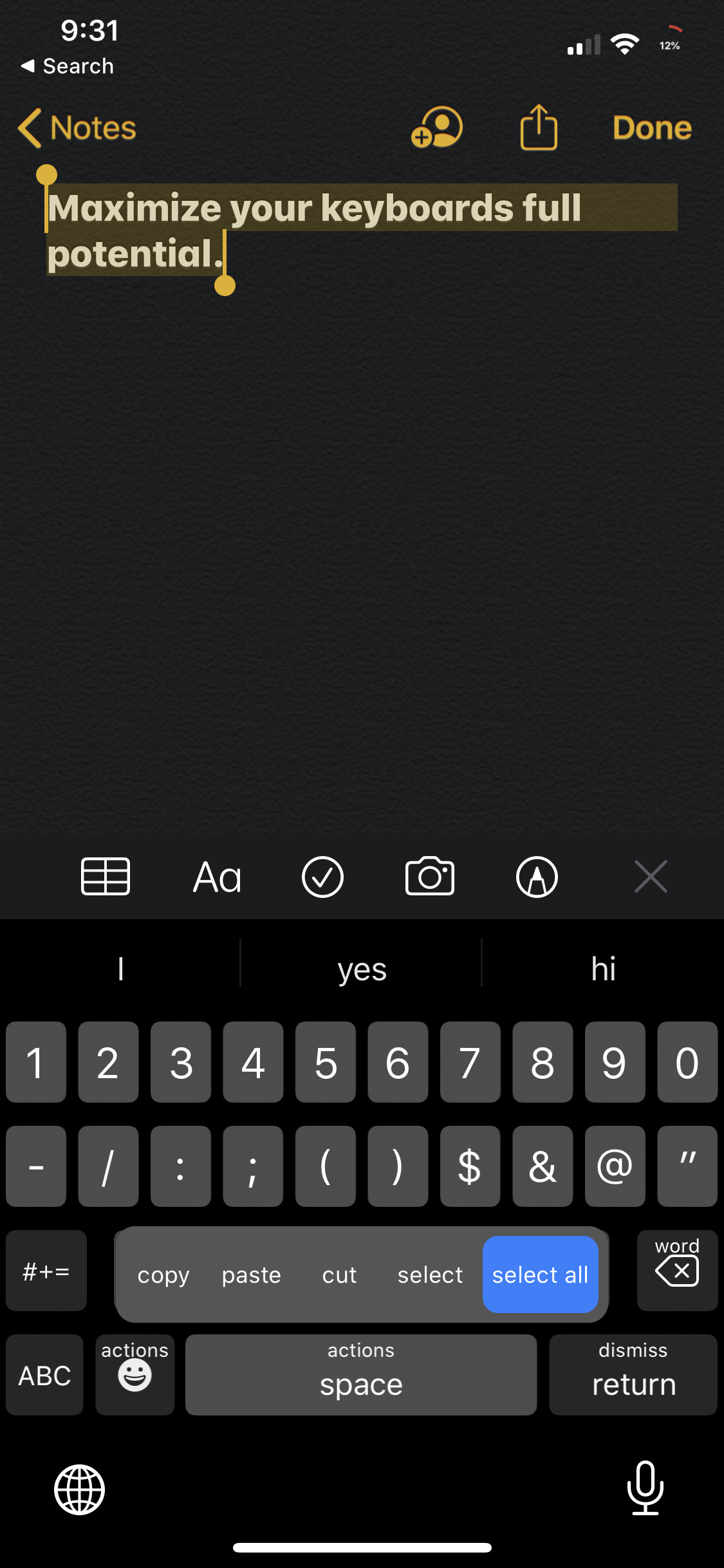
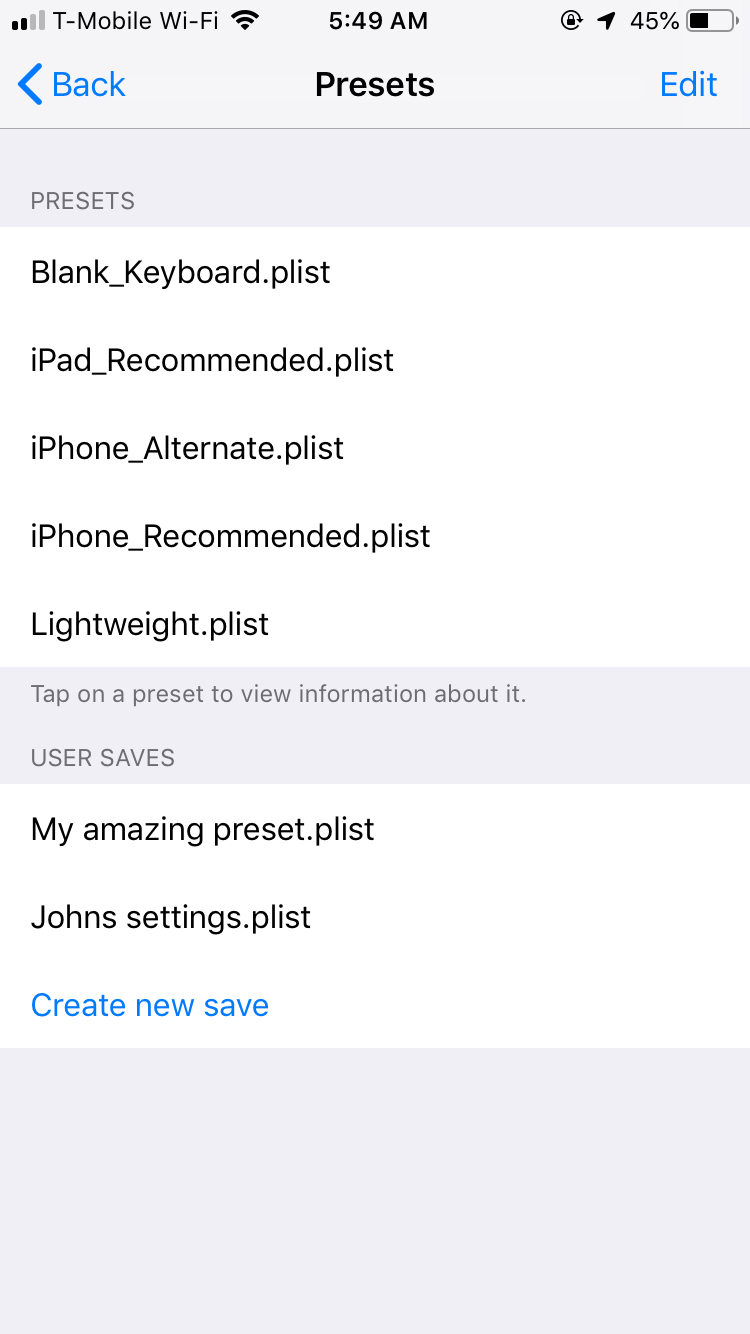
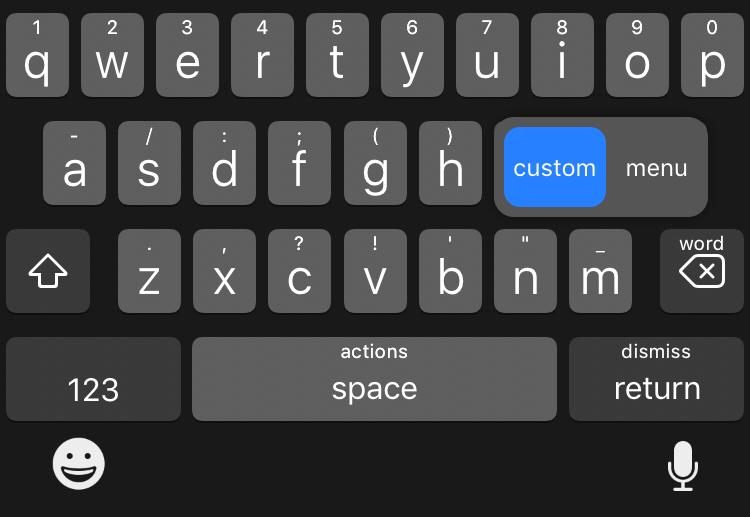
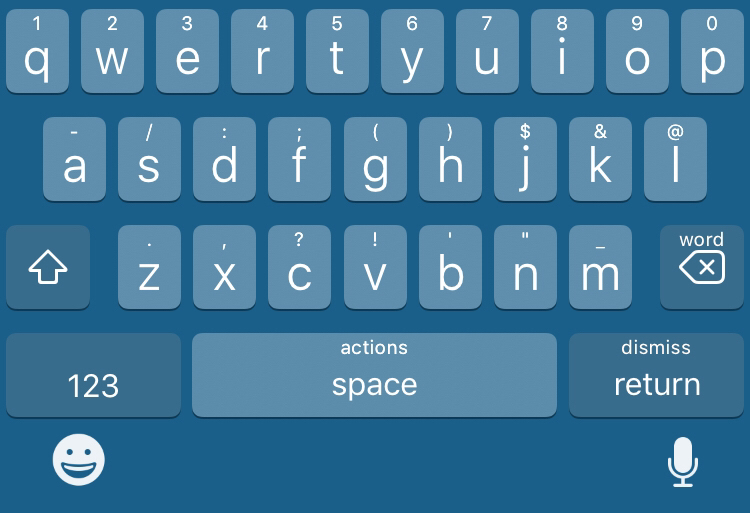
Official screenshots show the per-key action picker and appearance controls. This is the real interface readers need to see before deciding whether the number of options will be useful or distracting.
- Choose from 27 listed key actions using swipe or long-press gestures.
- Assign editing actions including select, cut, copy, paste, undo, redo and delete.
- Configure cursor movement, keyboard dismissal, dictation and menu actions.
- Change key labels and keyboard colors from the preference pane.
Real interface and feature screenshots
The images below come from the credited package or editorial source. They are not generated phone illustrations.
Compatibility and requirements
- The current Chariz listing says iOS 14 or later.
- The package supports iPhone, iPad and iPod touch according to Chariz.
- The current listing identifies rootless support.
- Third-party keyboard apps are not supported; the tweak is intended for Apple's keyboard.
Installation checklist
- Open Chariz and confirm the current version and compatibility.
- Install the package only through the official Chariz source in a trusted package manager.
- Respring if requested, then open SwipeExtenderX preferences.
- Assign one or two gestures first and choose keys where accidental swipes are unlikely.
- Test typing and cursor movement in several apps before configuring the rest of the keyboard.
Frequently asked questions
How many actions does SwipeExtenderX list?
The current Chariz description lists 27 key actions.
Does it work with third-party keyboards?
No. The official listing says third-party keyboard applications are not supported.
Can key labels be changed?
Yes. Custom key labels and keyboard colors are listed features.
Which version should I install?
Use the current version offered by Chariz; it showed 1.6.2 when this page was checked.
Package identifier: com.qiop1379.swipeextenderx · Details checked 14 August 2026. Compatibility can change; re-check the linked source before installing.