Top 8 Home Screen jailbreak tweaks—with real screenshots.
A focused list for changing icon layouts, folders, widgets and SpringBoard actions—without pretending that one package fits every iOS version or jailbreak.
Top 8 Home Screen Jailbreak Tweaks to Explore in 2026
See the eight featured tweaks in one 9-minute walkthrough, then use the verified source links below to check each package before installing.
“Top” here means a useful mix of features with clear information available from the package's current source—not a download-count or popularity ranking. Compatibility below reflects the source details checked on 13 August 2026. Always compare those details with your exact iOS version, bootstrap and architecture before installing.
-
Atria 1.4.1
Atria is the most complete layout editor in this selection. It can change rows, columns, icon scale, page insets, widget positioning and per-page layouts, while retaining the native widget system. It is the strongest starting point when the goal is a noticeably different Home Screen rather than one small visual adjustment.
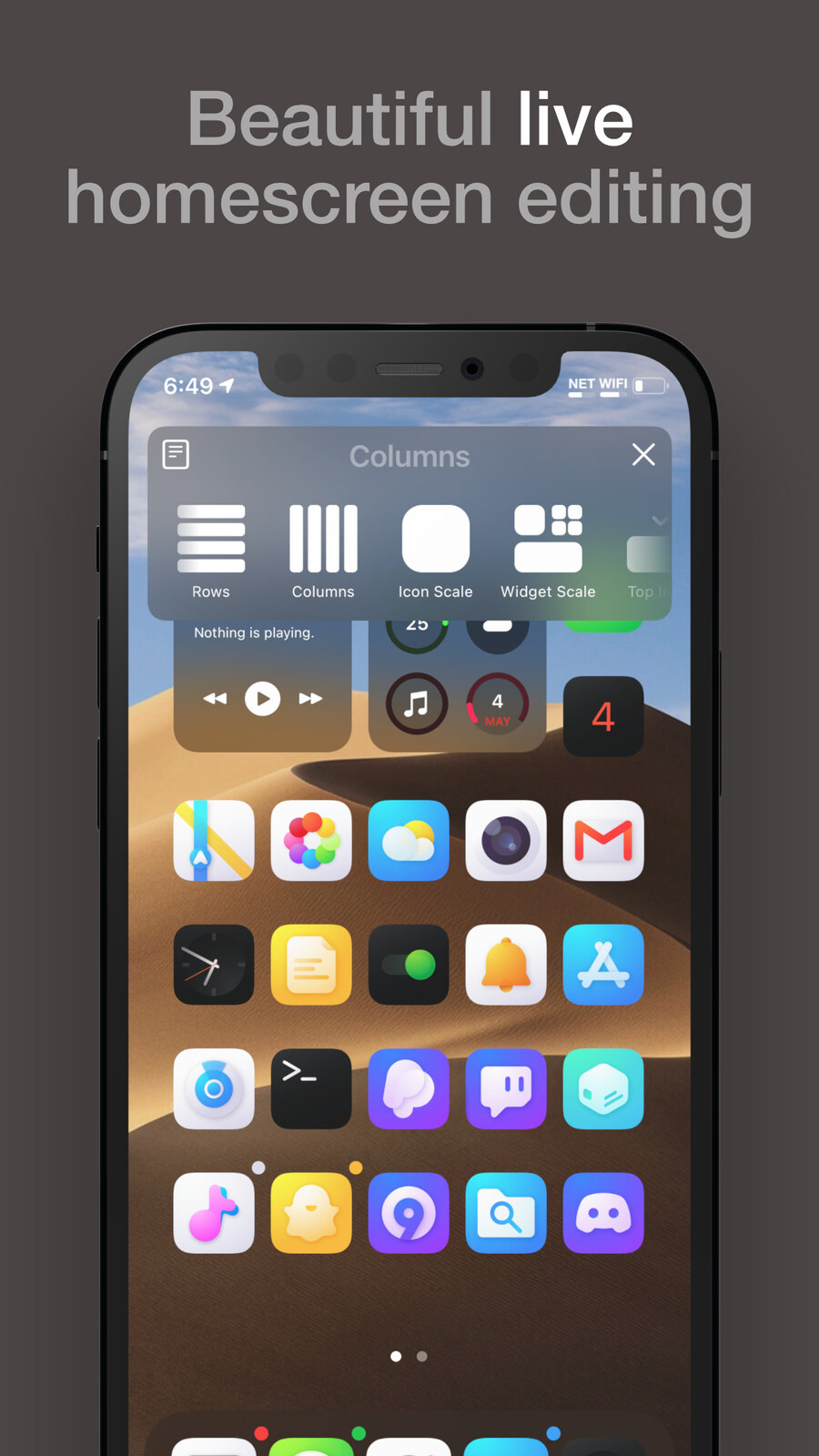
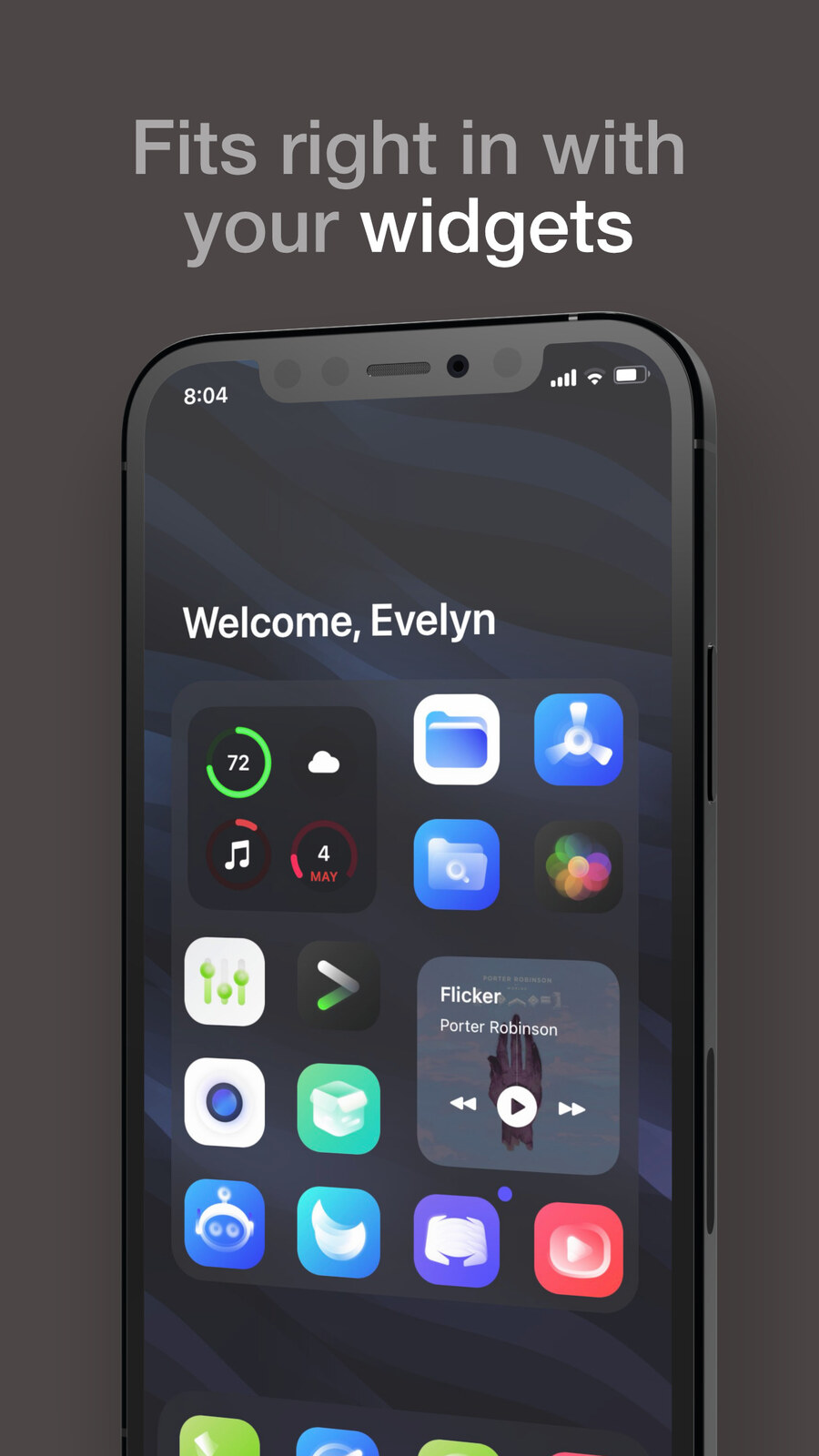
Official Atria screenshots via Chariz. -
Bolders Reborn 1.2.0
Bolders Reborn concentrates on folders: rows, columns, icon scale, title placement, count text, spacing, insets and background blur. The current Chariz listing also notes landscape and iPad support. Choose it when folder organization and presentation matter more than changing the entire SpringBoard grid.
Listed supportiOS 14.0–17.3Architecturesarm, arm64Best forLarge, configurable foldersOpen Bolders Reborn →
Official Bolders Reborn screenshots via Chariz. -
FiveIconDock (13–26) 0.0.6
This focused tweak adds a fifth icon position to the dock. It is intentionally narrower than a complete layout editor, but that simplicity is useful for people who only want one more always-visible app. Its repository record lists arm, arm64 and arm64e variants.
Listed supportiOS 13–26Architecturesarm, arm64, arm64eBest forA five-icon dockOpen Ichitaso's repo →
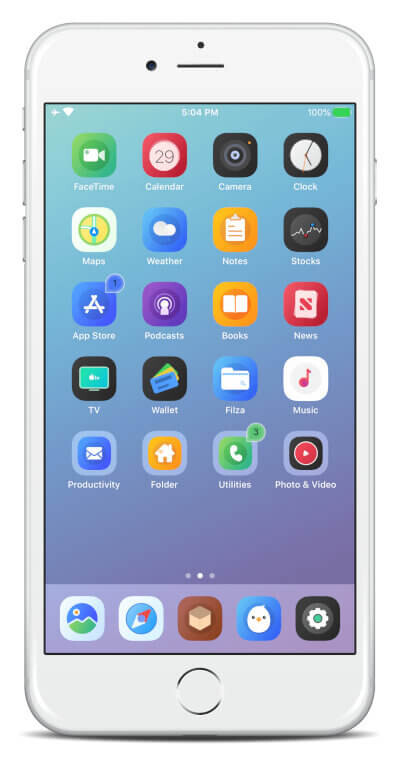
Real FiveIconDock feature screenshots from the developer source. -
IconOrder 1.0.4
IconOrder is a recovery and consistency tool rather than a visual theme. It preserves custom icon layouts through SpringBoard crashes or reboots. That makes it especially useful alongside layout tweaks, where rebuilding a carefully arranged Home Screen would otherwise be frustrating.
Listed supportiOS 12.0–18.2Architecturesarm, arm64, arm64eBest forProtecting icon layoutsOpen IconOrder on Havoc →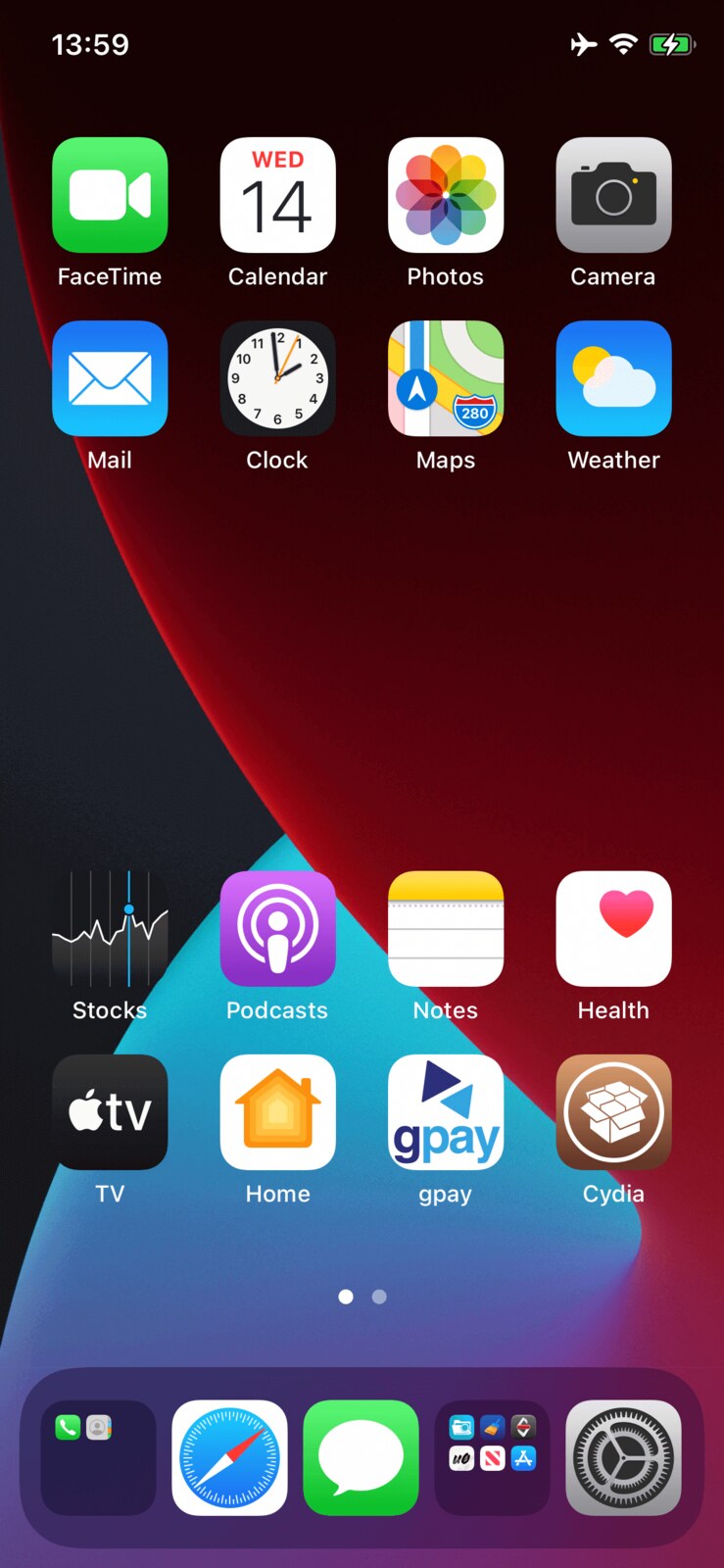
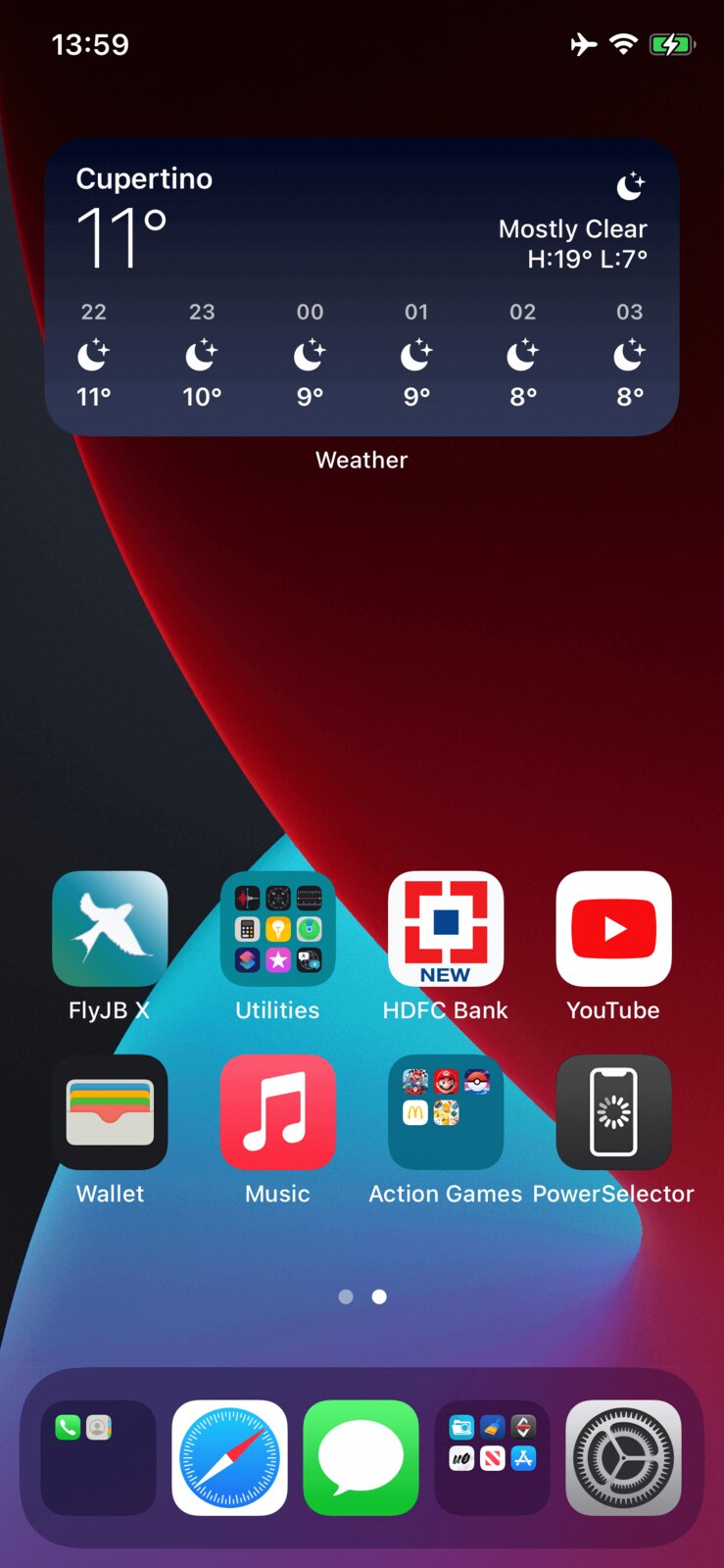
Official IconOrder before-and-after screenshots via Havoc. -
Remove Widget Background 2.0
This package removes the stock background from Home Screen widgets, allowing wallpaper and surrounding icons to take more visual priority. The Havoc listing identifies support across iOS 15, 16 and 17 and names modern jailbreak environments, but you should still confirm the exact version shown for your setup.
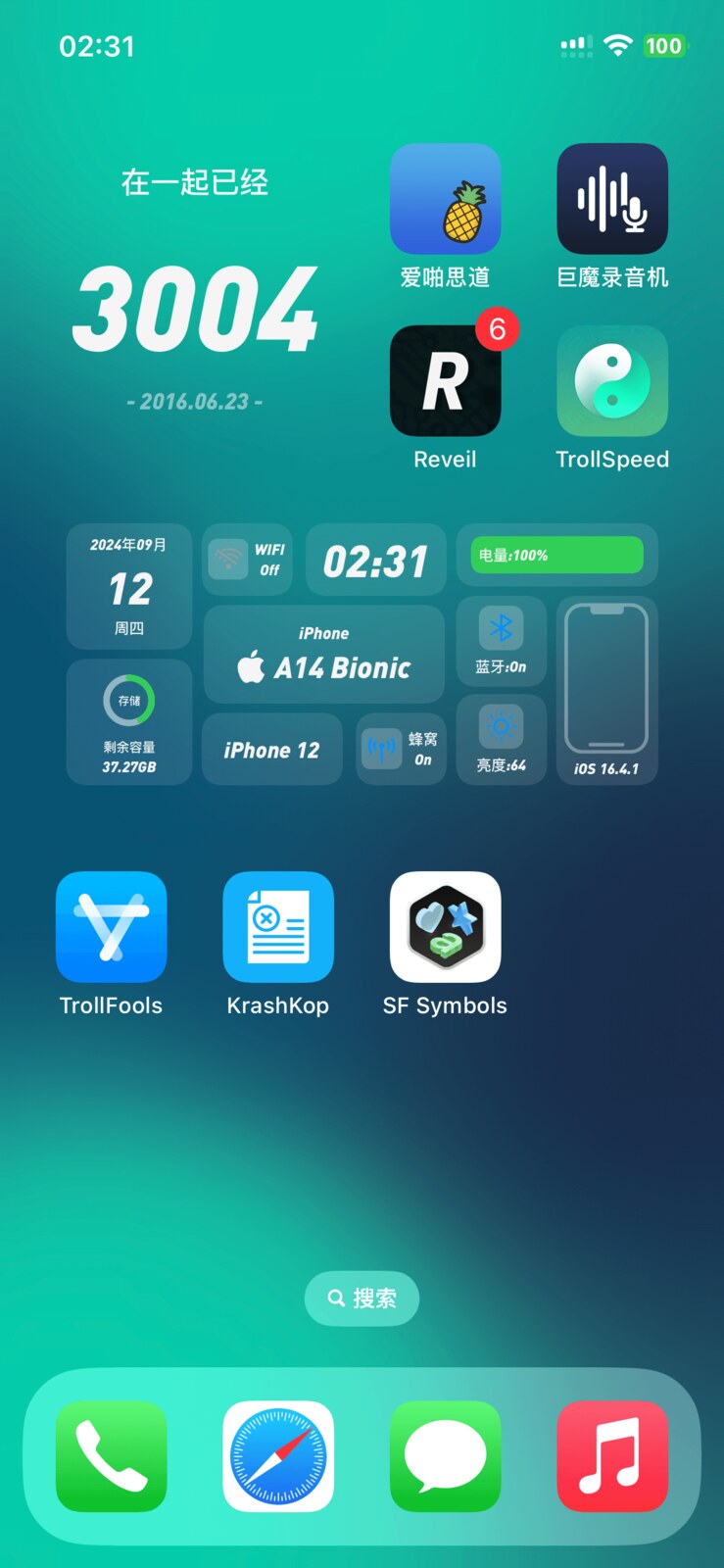
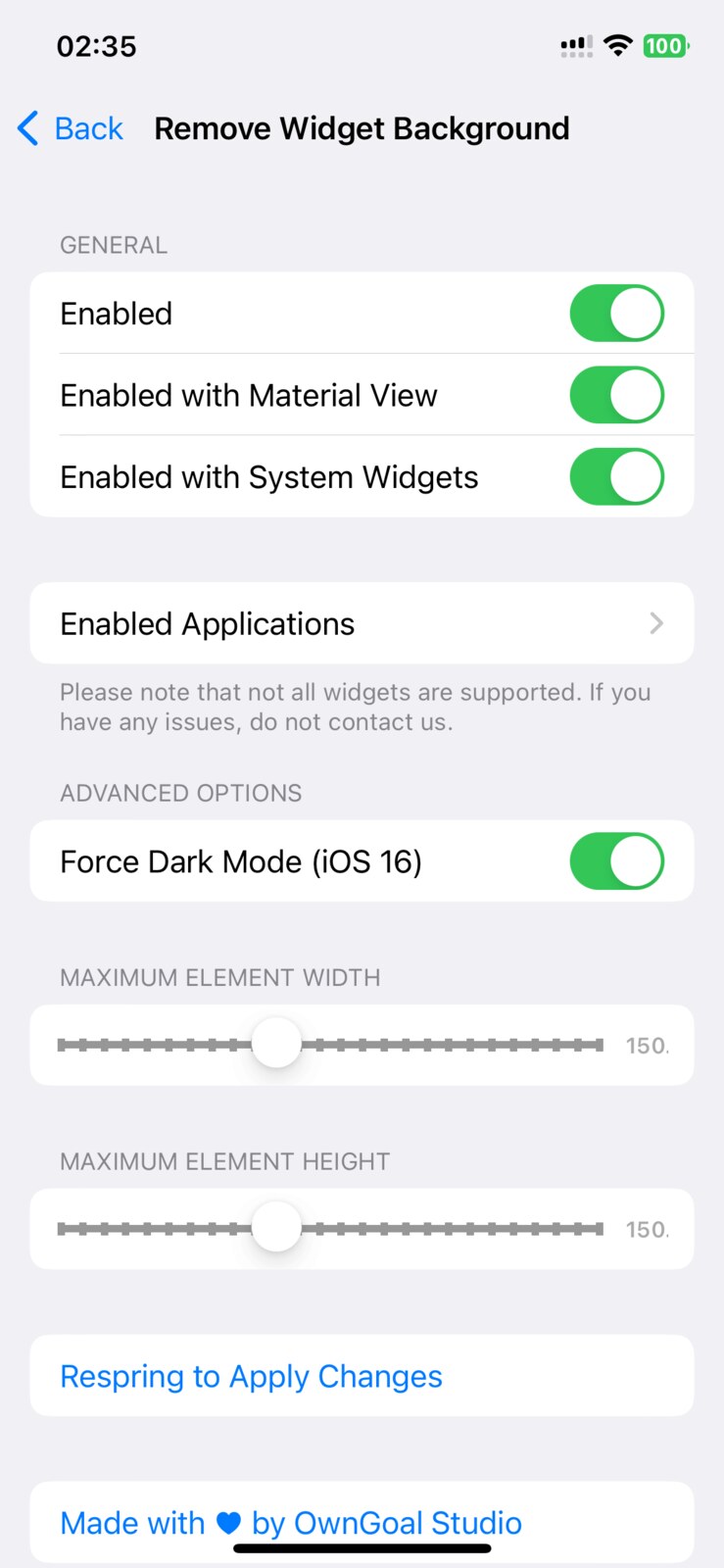
Official Remove Widget Background screenshots via Havoc. -
AddToFolder (Rootless) 1.4
AddToFolder makes moving apps into folders easier. It is a practical organizational tweak for a busy Home Screen and has a dedicated rootless package in AnthoPak's repository. Its scope is simple, which also makes it easy to understand before deciding whether it solves your particular folder-management problem.
Minimum firmware record13.0Architecturearm64Best forFaster folder organizationOpen package details →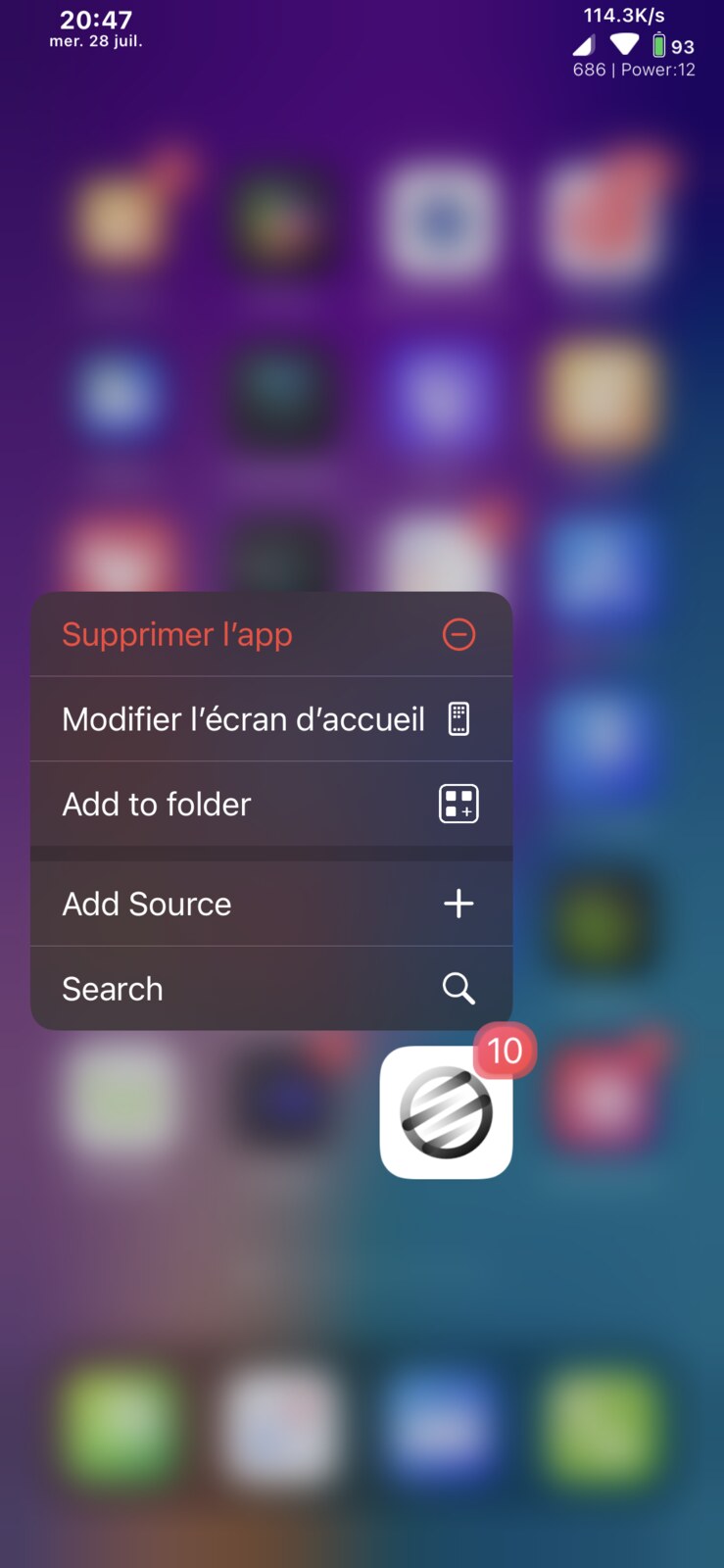
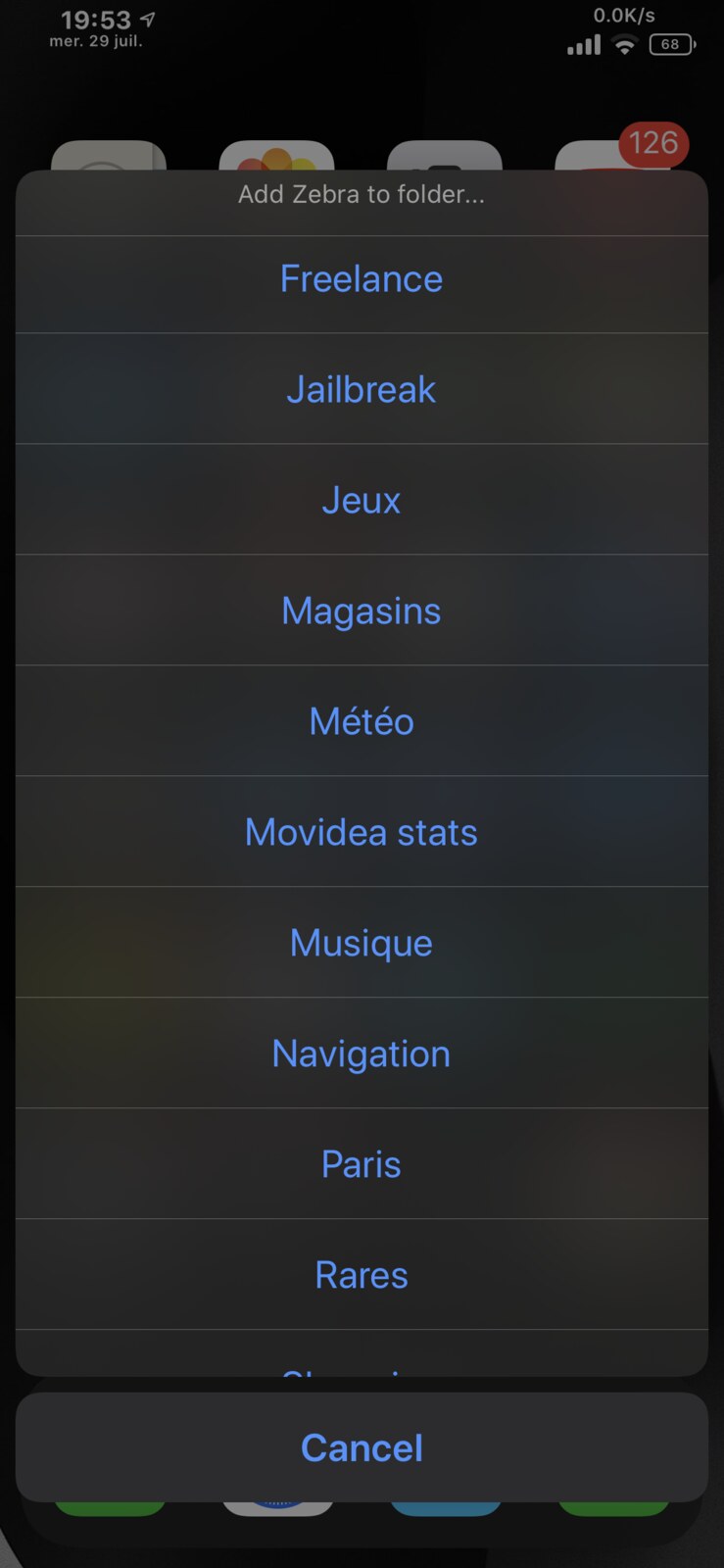
Real AddToFolder screenshots from the package depiction. -
SpringCuts (Rootless) 1.4
SpringCuts brings Shortcuts actions to SpringBoard and also lists support-library, Activator and command-line integrations. It belongs in a Home Screen collection because it changes what can be launched from SpringBoard, not just how icons look. Confirm which integration methods are available in your exact environment.
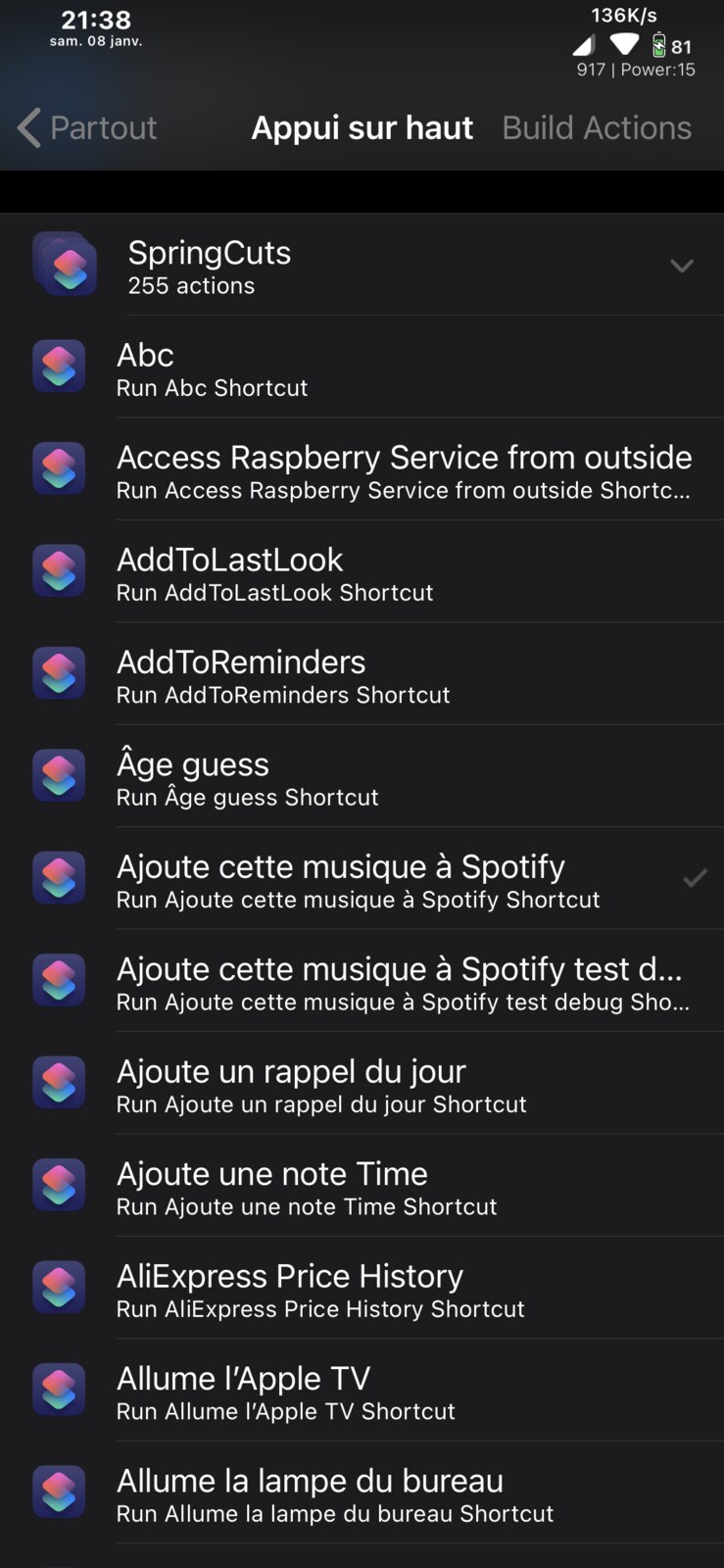
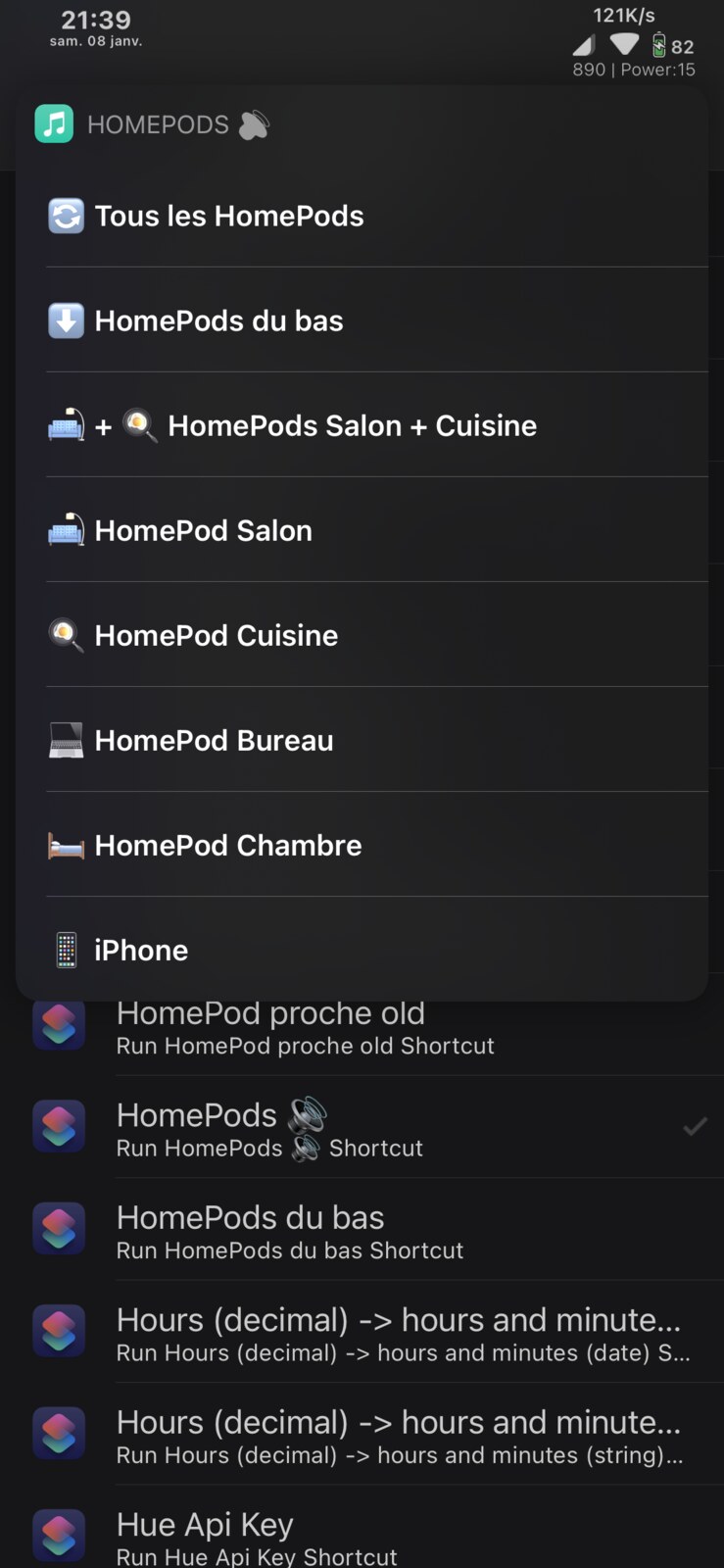
Real SpringCuts screenshots from the package depiction. -
PrimalFolder 2 0.1.2
PrimalFolder 2 can present a folder as its first app icon and add a direct launch action, reducing the number of taps needed for a frequently used app while keeping the rest grouped. The repository metadata lists variants for standard and modern jailbreak architectures.
Listed supportiOS 13–16Architecturesarm, arm64, arm64eBest forSmarter folder behaviorOpen Ichitaso's repo →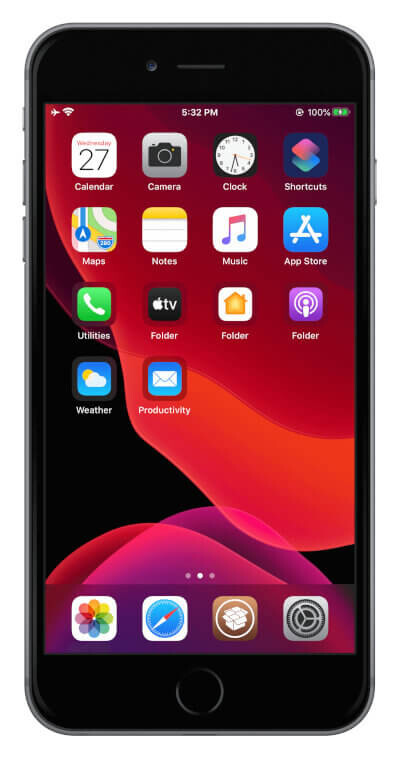
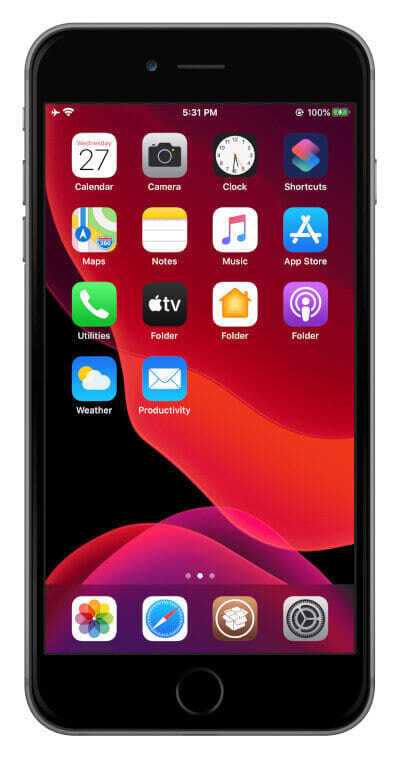
Real PrimalFolder 2 screenshots from the developer source.
More rootless tweak ideas.
Browse the larger collection, then use the linked package source to confirm current compatibility.